MacBook Pro 14 M5 Review: The New Standard for Creative Professionals
The MacBook Pro 14 with M5 chip is Apple's latest powerhouse for creative professionals. Strong performance, a beautiful display and long quoted battery life — compared on specifications and user reviews.
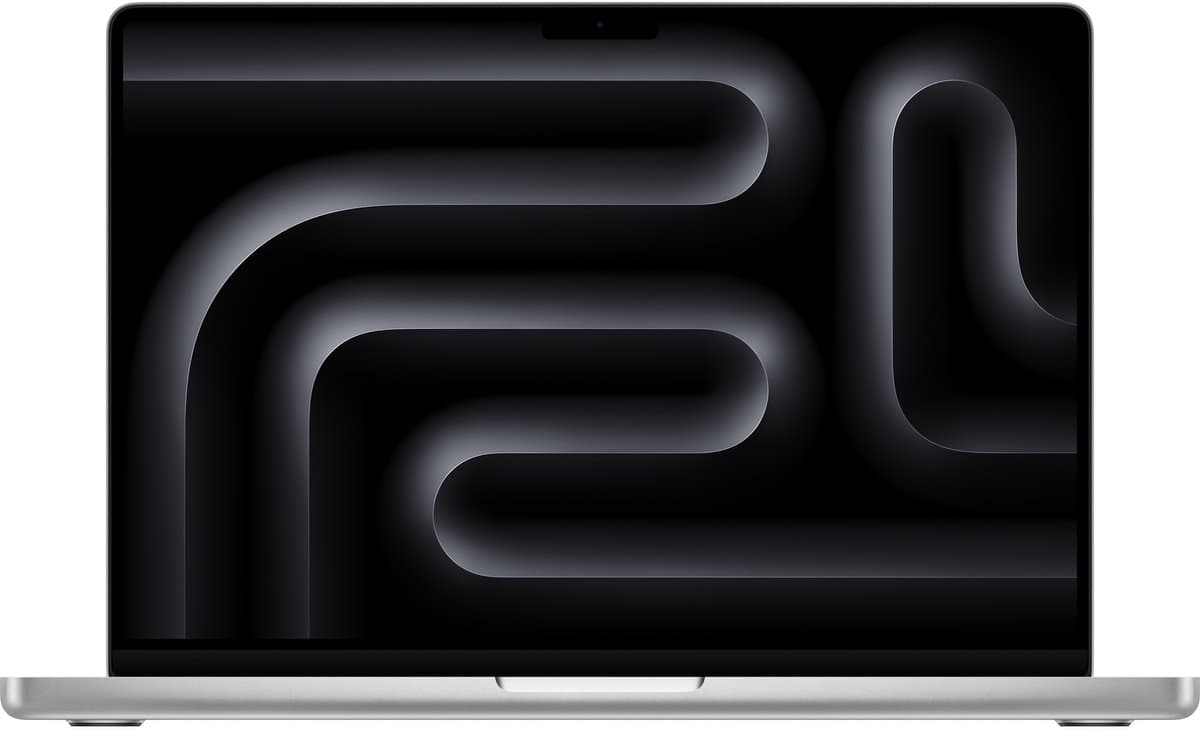
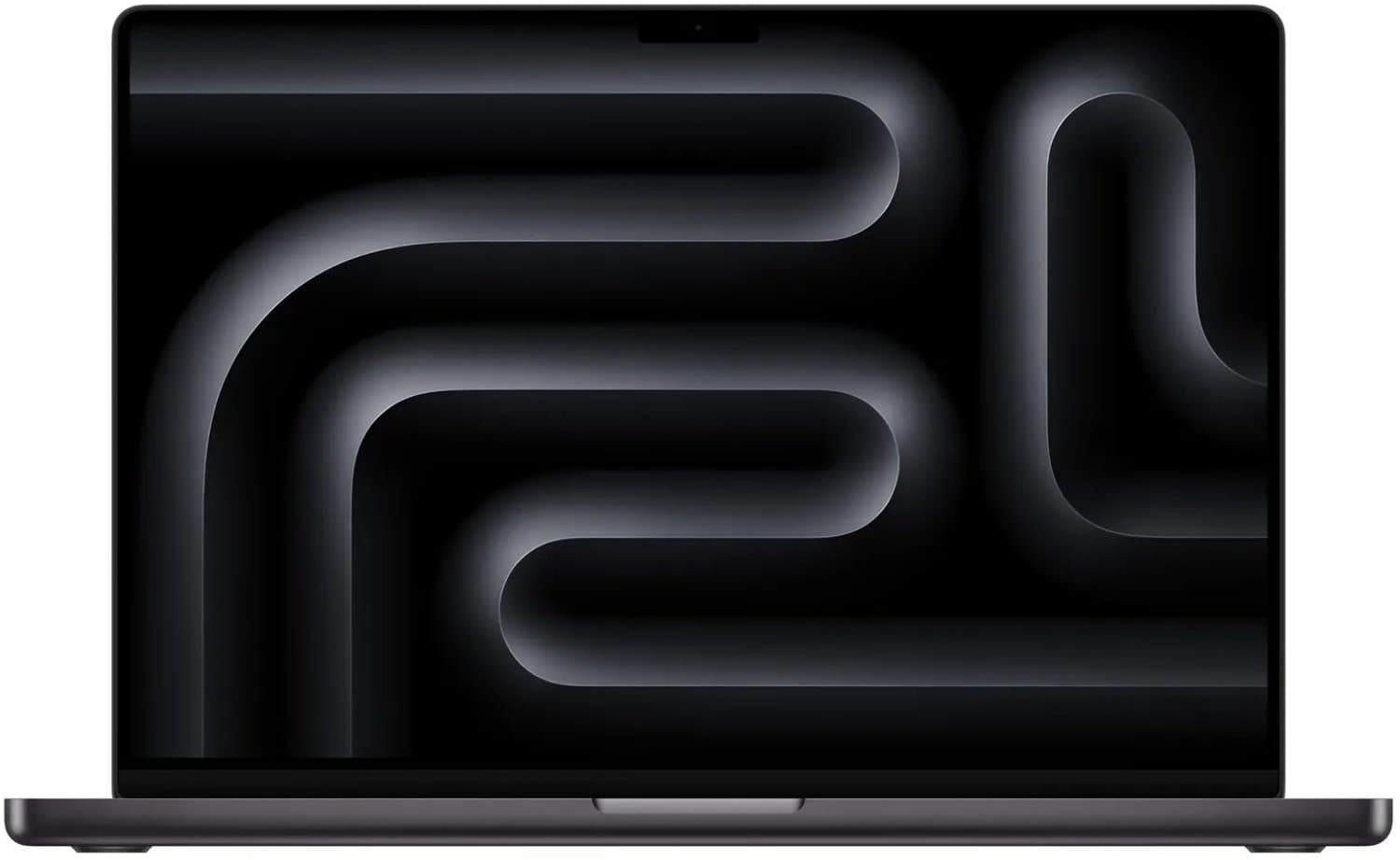
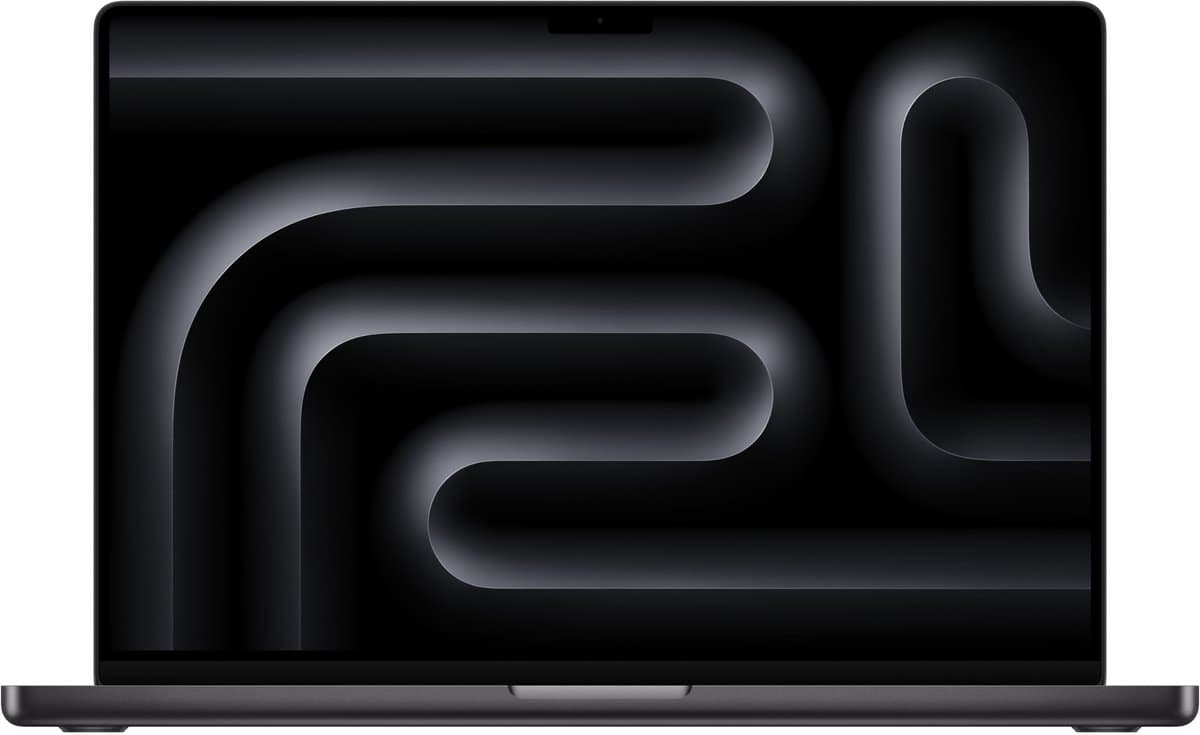
The MacBook Pro 14 M5 (compare alternatives in our best laptops 2026 buying guide) is Apple's latest powerhouse for creative professionals and demanding users. The transition from Intel to Apple Silicon was already revolutionary, and with the M5 chip, Apple pushes performance in this laptop size another step forward. This review is based on Apple's specifications and manufacturer claims and on aggregated user reviews; we did not test the laptop ourselves. For users who rely on it for video editing, software development and everyday work, this is on paper one of the strongest 14-inch laptops available right now.
Design and build quality
The MacBook Pro 14 features a unibody aluminium chassis that feels solid and looks sleek. The weight of 1.55 kg is acceptable given the performance on offer, although it is heavier than ultrabooks in the same screen class.
The 14.2-inch Liquid Retina XDR display is impressive: 3024 x 1964 resolution, 1600 nits peak brightness for HDR content, 120Hz ProMotion, and full DCI-P3 colour gamut coverage. Whether you're editing photos, cutting video, or writing code — this display is a joy to look at.
The port selection is excellent with three Thunderbolt 4 ports, HDMI, SDXC card reader, MagSafe 3, and a headphone jack. The full-size keyboard with Touch ID is pleasant to type on and the trackpad is the best in its class.
Pros:
- Premium unibody aluminium construction
- Stunning Liquid Retina XDR display with ProMotion
- Extensive port selection with Thunderbolt 4
- Excellent keyboard and trackpad
Cons:
- Notch in the display takes up space
- Not the lightest laptop in its class
Performance and speed
The 10-core CPU and 10-core GPU deliver performance that puts many a desktop PC to shame. On paper that means faster video rendering in Final Cut Pro and shorter compile times in Xcode than with the M4. The Neural Engine with 16 cores makes AI tasks such as image generation and speech recognition blazingly fast.
With 24 GB of unified memory (standard in this model), you can effortlessly work with many browser tabs, heavy applications, and large files simultaneously. The 1 TB SSD delivers high read and write speeds.
macOS Tahoe runs smoothly and Apple Intelligence offers useful AI features that genuinely improve your productivity, from smart summaries to generating text and images.
Pros:
- Strong M5 chipset performance
- 24 GB unified memory as standard
- Fast 1 TB SSD
- Apple Intelligence with practical AI features
Cons:
- Not all apps are fully optimised for M5
- Memory cannot be expanded after purchase
Display and image quality
The Liquid Retina XDR display deserves a separate mention. The mini-LED backlighting provides a contrast ratio of 1,000,000:1, with deep blacks and dazzling highlights. For professional photographers and videographers, the factory calibration is impressive — Delta E values below 1.0 out of the box.
The 120Hz ProMotion technology makes scrolling and animations buttery smooth, and the display intelligently adapts to lower refresh rates to save energy when possible. The nano-texture glass option reduces reflections without sacrificing colour accuracy.
Pros:
- Mini-LED with 1,000,000:1 contrast ratio
- Factory-calibrated with Delta E < 1.0
- 120Hz ProMotion for fluid interaction
- Nano-texture option to reduce reflections
Cons:
- Nano-texture glass is an expensive add-on
- No OLED display (though mini-LED comes close)
Battery life
This is where the MacBook Pro 14 M5 truly sets itself apart. Apple claims up to 22 hours of video playback. With mixed professional use — coding, browsing, video calls, and light video editing — real-world battery life is typically around 16 to 18 hours. That is exceptional and means you can confidently leave the charger at home for a full workday.
Charging via MagSafe 3 is fast: 50% in about 30 minutes. USB-C charging is also possible, which adds flexibility.
Pros:
- Long 16-18 hour battery life with professional use
- Fast charging via MagSafe 3 (50% in 30 minutes)
- Flexible charging via MagSafe or USB-C
Cons:
- MagSafe adapter not included with the cheapest model
Who is the MacBook Pro 14 M5 for?
This laptop is made for creative professionals: videographers, photographers, music producers, and 3D artists who need top-tier performance. Software developers benefit from the fast compile times and the superb display. But it's also an excellent choice for knowledge workers looking for a reliable machine that lasts all day — provided the budget allows.
Conclusion
The MacBook Pro 14 M5 is one of the strongest laptops you can buy right now for professional creative work. The M5 chip delivers strong performance, the display is world-class, the battery life is phenomenal, and the build quality is impeccable. The high entry price is the only significant drawback, but given what you get in return, it's an investment that pays for itself.
The scores below are an editorial estimate based on specifications, manufacturer claims and pooled user reviews; Productvraag has not tested this laptop itself.
| Category | Score |
|---|---|
| Design and build quality | 9.5 / 10 |
| Performance | 10 / 10 |
| Display | 9.5 / 10 |
| Battery life | 9.5 / 10 |
| Software | 9.0 / 10 |
| Value for money | 8.5 / 10 |
| Overall score | 4.7 / 5 |
Alternatives
Looking for a similar laptop? Consider these options:
- Lenovo ThinkPad X1 Carbon — The business standard with an excellent keyboard, lightweight build, and good Linux support. Less powerful, but more affordable and with more ports.
- Dell XPS 15 — A versatile Windows laptop with a beautiful OLED display and strong performance. A good alternative for those who want to stay in the Windows ecosystem.
Frequently asked questions
Can I run Windows on the MacBook Pro M5?
Yes, using virtualisation software such as Parallels Desktop or UTM you can run Windows 11 ARM on the M5 chip. Performance is surprisingly good for most applications, although not all Windows software is compatible with the ARM version.
Is 24 GB of memory enough for video editing?
For most video editors, 24 GB of unified memory is more than enough, even for 4K projects. If you regularly work with 8K footage or very complex After Effects compositions, it's wise to opt for the 48 GB variant.
How long does a MacBook Pro last?
Apple typically supports Macs with macOS updates for 7-8 years. Given the power of the M5 chip and 24 GB of memory, you can expect this MacBook Pro to serve you without issues for 6-8 years as a daily work computer.
Similar products

MacBook Pro 14" M5

MacBook Pro 16" M5 Pro

MacBook Pro 16" M5 Max

MacBook Pro 16" M5 Pro

MacBook Pro 14" M5 Pro

MacBook Air 15" M5

MacBook Air 13" M5
Got a question? Just ask.
We'll email you back within 24 hours. No sales pitch.