Best Laptops 2026 - Complete Buying Guide
Which laptop is right for you? We compare processors, screen quality and battery life, and help you choose between MacBook, Windows laptop and Chromebook for your budget and needs.
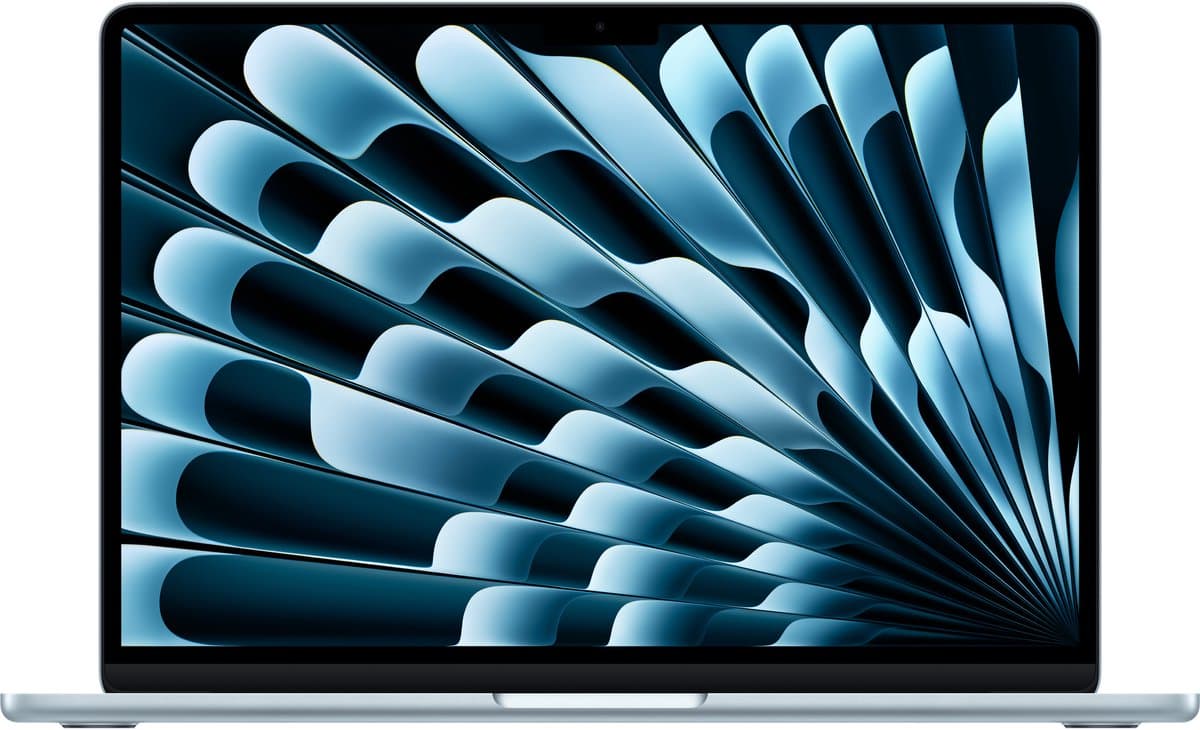
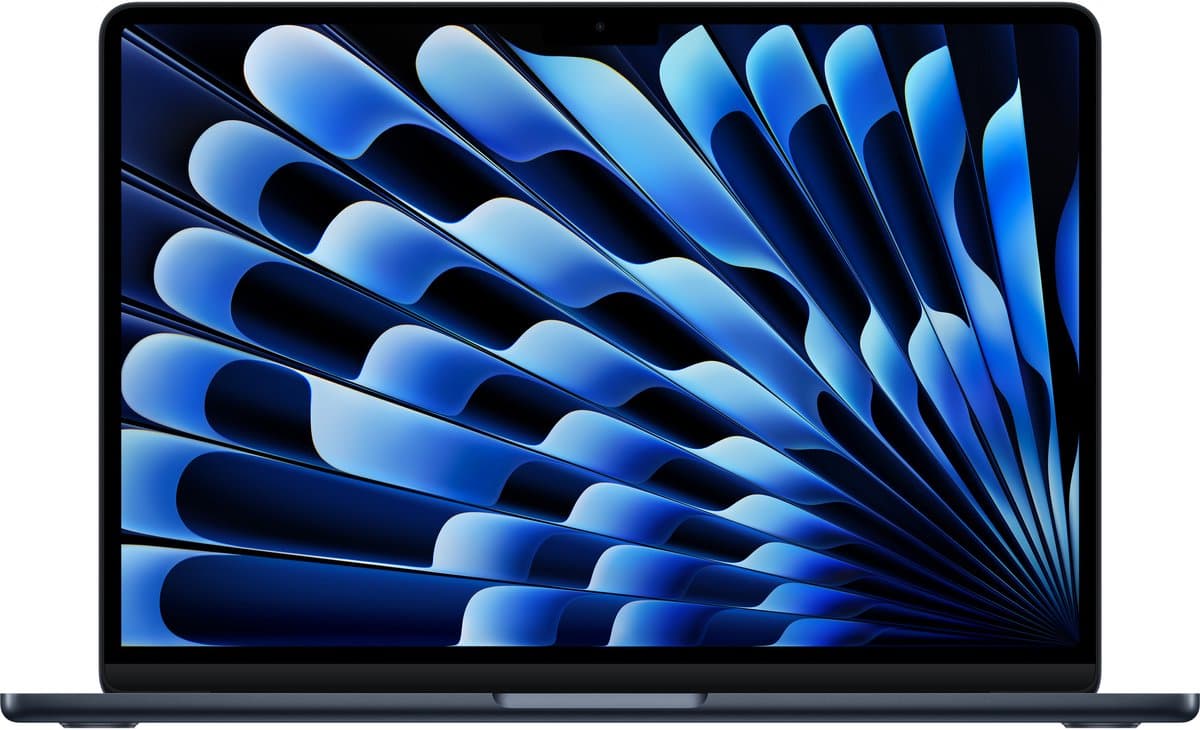
Top producten vergelijken


Which laptop is right for you? We compare processors, screen quality and battery life, and help you choose between MacBook, Windows laptop and Chromebook for your budget and needs.
Best laptops 2026: quick picks
Short on time? These are our standout laptops for 2026:
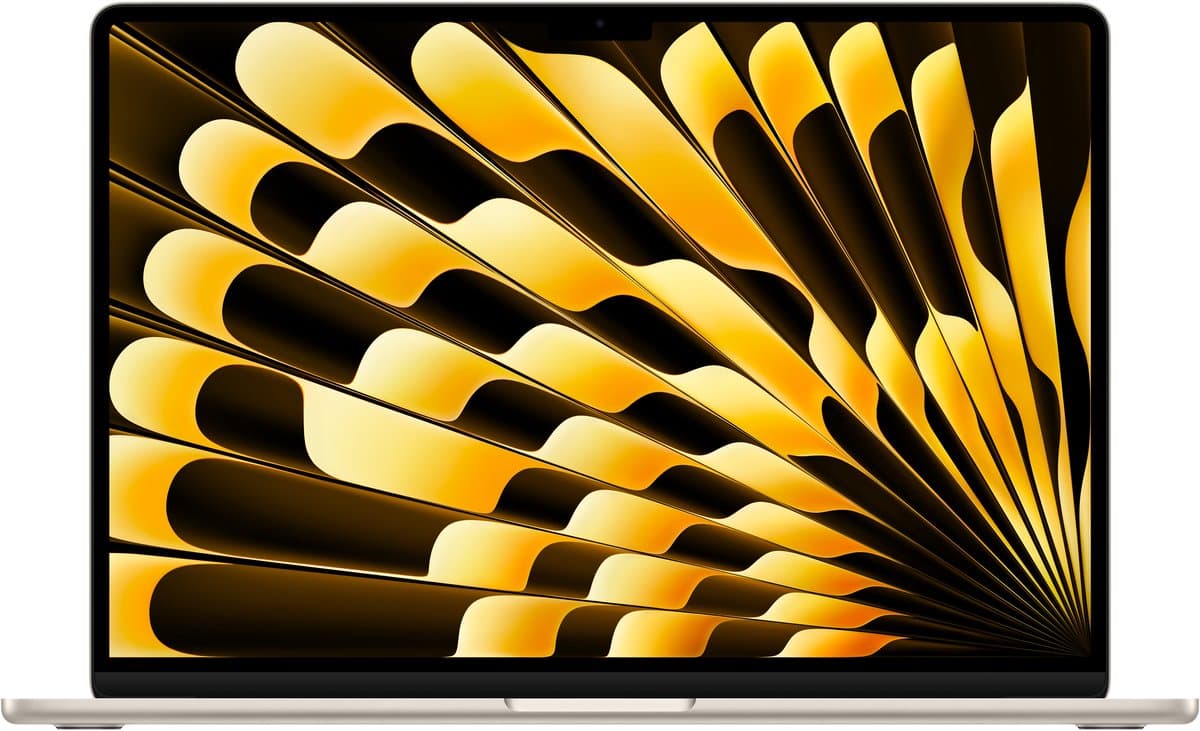
- Best overall: Apple MacBook Air M3 — superb battery life, silent and light for travel
- Best for business: Lenovo ThinkPad X1 Carbon — durable, secure and great to type on
- Best for gaming on the go: Asus ROG Zephyrus G14 — serious power in a portable chassis
- Best premium Windows: Dell XPS 14 — gorgeous screen and build quality
- Best value: Lenovo IdeaPad or HP Pavilion (~600-800 euros) — solid everyday performance
Last updated: May 2026. Listed prices are indicative — check the live lowest price on each product page.
Choosing the best laptop in 2026
The laptop market is more exciting in 2026 than ever. Apple's M-chips have upended the performance-per-watt equation, AMD and Intel are pushing each other harder than they have in years, and Chromebooks have become surprisingly capable for anyone who only does browser-based work. At the same time, prices vary widely — from 250 euros for an entry-level Chromebook to 4,000 euros for a top-end workstation.
In this buying guide we break down the choices that actually matter: which processor suits your work, how much memory you really need, and when a MacBook is worth it over a Windows laptop. Also browse our overview of all laptops to compare current prices at a glance.
Which laptop suits you?
The right laptop depends on what you do day to day. Four user profiles cover around 90% of buyers:
The student or remote worker: a 14- or 15-inch laptop with an Apple M-chip or Intel Core Ultra/AMD Ryzen, 16 GB of RAM and a 512 GB SSD is more than enough. Expect to pay 700-1,100 euros for a great all-rounder. Light models such as the MacBook Air, Lenovo Yoga or HP Pavilion are popular in this segment.
The creative professional: video editing, photo work and design demand more processing power and colour accuracy. A MacBook Pro 14" with an M-chip, or a Windows laptop with a dedicated graphics card (RTX 4060 or higher) and 32 GB of RAM, is the standard here. Budget: 1,700-3,000 euros.
The gamer: here it's all about the graphics card. RTX 4060 for 1080p, RTX 4070 for 1440p, RTX 4080+ for 4K gaming. Combine that with a 144 Hz or higher display and good cooling. Asus ROG, MSI Stealth, Lenovo Legion and Razer Blade are the usual names. Budget: 1,300-3,500 euros.
The business user: reliability, security and support weigh more heavily than raw performance. ThinkPad X1, Dell Latitude, HP EliteBook and MacBook Pro are the common choices, with fingerprint readers, Windows Hello and business-grade warranty. Budget: 1,500-3,000 euros.
What to know before you buy
Five specs determine whether a laptop fits you. Always start with memory: 16 GB is the comfortable minimum in 2026. 8 GB still works for very light use, but modern browsers and apps eat up more and more memory. For photo/video work or multiple virtual machines, 32 GB is the right call.
The processor is the second check. Apple M3 and M4 chips deliver excellent performance with impressive battery life. Intel Core Ultra (series 2 onward) is much improved in 2026. AMD Ryzen 7000- and 8000-series offer great value in the mid-range.
Storage should be at least a 512 GB SSD for the system plus your data. 1 TB is plenty for most users; only videography and large game libraries call for 2 TB+.
Screen quality is often underrated. A matte screen with 100% sRGB colour coverage and at least 300 nits of brightness makes hours of work more comfortable. OLED screens deliver deeper blacks and more vivid colours but carry a risk of burn-in with static images.
Battery life, finally: Apple M-chips last 12-18 hours, premium Windows 8-12 hours, gaming laptops often only 4-6 hours. For travellers and remote workers without a fixed desk, this is decisive.
Top picks by segment
The laptop category on Productvraag has hundreds of models ready for price comparison. Changing deals quickly date specific recommendations, but a few constants top the rankings: the MacBook Air M3 for travellers, the Lenovo ThinkPad X1 Carbon for business use, the Asus ROG Zephyrus G14 for gaming on the move, and the Dell XPS 14 for those who want premium Windows.
For anyone on a tight budget who still wants a capable machine: a Lenovo IdeaPad or HP Pavilion around 600-800 euros delivers fine everyday use. Chromebooks such as the Acer Spin or Lenovo Chromebook Plus are an underrated option if you never need Office or Adobe software locally.
Frequently asked questions
How much memory do I need?
For a browser plus Office, 8 GB will do, but 16 GB is strongly recommended. Programming, photo editing or gaming needs at least 16 GB; video and 3D work 32 GB+. Apple M-chips are more efficient — 16 GB on an M-Mac feels like 24 GB on Windows.
MacBook or Windows laptop?
A MacBook (M-chip) offers unmatched battery life and silence, but you're tied to macOS software and can't game. Windows offers more choice in form and price plus full game support. For creative professionals (Final Cut, Logic) Mac is standard; for business Windows and gaming, Windows makes more sense.
How much does a good laptop cost?
Chromebooks: 250-450 euros. Standard Windows with 16 GB/512 GB: 700-1,100 euros. MacBook Air M-chip: 1,100-1,500 euros. Mid-range gaming: 1,100-1,700 euros. Premium business and MacBook Pro: 1,700-3,000 euros. Workstations and high-end gaming: 2,500-5,000 euros.
Do I need a dedicated graphics card?
For browsing, Office and streaming, integrated graphics are enough. For gaming at reasonable settings, video editing or 3D work, a dedicated GPU (RTX 4050+) is essential. Apple M-chips have strong integrated graphics that handle many tasks without a separate chip.
How long does a laptop last?
Technically 5-7 years with good care. The battery loses around 20% capacity after 3-4 years; replacing it extends usable life considerably. Software updates usually run 5-7 years on premium brands; budget laptops often get shorter support.
Browse all laptops on Productvraag and find the best deal for your ideal machine.
Read next: Beste macbook
Read next: Beste chromebook
Read next: Beste laptop video editing
Meer producten vergelijken


Got a question? Just ask.
We'll email you back within 24 hours. No sales pitch.