Best Laptop for Students 2026: Chromebook, Windows or Mac?
Which laptop is best for students in 2026? We compare Chromebooks, Windows laptops and MacBooks on price, battery, weight and performance.
Our top pick
MacBook Air 13" M5
Best for Battery Life & Quality
From
€ 1.149,00
at Coolblue
The best laptop for students in 2026 is the MacBook Air 13" M5 (€1,099–€1,199) for those who prioritise quality and battery life: up to 18 hours of use and a fanless, silent design. On a tighter budget, the HP Pavilion SE 15 (€699) offers solid Windows performance for most degree programmes. Students who want a great display without overspending will find the Lenovo IdeaPad Slim 3 OLED (€949–€1,101) hard to beat — a 15-inch OLED panel under €1,100. The three factors that really matter in a student laptop are battery life (at least 10 hours), weight (under 1.8 kg) and software compatibility with your programme. This guide compares Chromebook, Windows and Mac on specifications and user experiences, with concrete recommendations per budget tier.
Best Laptop for Students 2026: The Complete Guide
As a student, your laptop is perhaps your most important tool. You use it daily for lectures, assignments, research and communication. But which laptop suits your studies and budget? The market is overwhelming, and the choice between a Chromebook, Windows laptop or MacBook isn't always clear. In this guide, we help you make the right choice. We discuss the most important criteria, compare the three platforms and provide concrete recommendations per budget tier. Also check out our electronics buying guide and the article on how to choose the best laptop for more background information.
What Should Students Look For?
Not every student has the same needs. A first-year law student has different requirements than a second-year architecture student creating 3D models. Yet there are several universal criteria.
Battery life
This is probably the single most important factor for students (see also our broader best laptops 2026 guide). If you're on campus all day, you don't want to depend on power outlets. Look for a laptop with at least 10 hours of battery life under normal use. MacBooks and Chromebooks typically perform best here.
Weight
You carry your laptop in your bag every day. Every gram counts. A laptop under 1.5 kg is ideal. Between 1.5 and 1.8 kg is acceptable. Anything above 2 kg becomes annoying over time, especially if you're also carrying textbooks.
Keyboard
As a student, you type for hours every day. A good keyboard with sufficient key travel and comfortable spacing is essential. Test the keyboard if you get the chance — this is subjective but incredibly important for your daily comfort.
Price
Students typically have a limited budget. The good news: you don't need an expensive laptop for most courses of study. Between €400 and €800, you'll find excellent options. Also look out for student discounts — Apple, Lenovo and Microsoft offer substantial discounts for students.
Specific study requirements
- Humanities, law, economics: Basic specifications are sufficient. Focus on battery and keyboard.
- Computer science, data science: Choose at least 16GB RAM and a fast processor.
- Architecture, design, video: Consider a more powerful laptop with a dedicated GPU.
- Medicine, biology: A good screen is important for studying visual materials.
Chromebook vs Windows vs Mac: The Big Comparison
Chromebook: simple and affordable
A Chromebook runs ChromeOS, which is essentially a browser-based operating system. Everything runs online: Google Docs, Gmail, Google Drive. Since 2026, Chromebooks also support Android apps and Linux applications, making them much more versatile.
Advantages:
- Very affordable (from €250)
- Excellent battery life (often 12+ hours)
- Fast boot times and low maintenance
- No virus issues
- Lightweight
Disadvantages:
- Limited offline capabilities (improved, but still less than Windows/Mac)
- Cannot run heavy software (Adobe Creative Suite, MATLAB, AutoCAD)
- Limited storage (usually 64-128GB)
Ideal for: Students who primarily work in Google Workspace, take notes and browse.
Windows: the all-rounder
Windows laptops come in all shapes and sizes, from budget to premium. The advantage is enormous software compatibility — virtually all programs run on Windows.
Advantages:
- Largest software selection
- Wide price range (€300-€3,000+)
- Easy to repair and upgrade
- Touchscreen options available
- Gaming possible
Disadvantages:
- Battery life varies greatly by model
- Windows updates can be annoying
- Cheaper models sometimes feel cheap
Ideal for: Most students, especially if you need specific software for your studies.
MacBook: premium experience
Apple offers the MacBook Air and MacBook Pro — laptops that excel in build quality, battery life and performance. The M4 chip is exceptionally efficient.
Advantages:
- Excellent battery life (15-20 hours on the MacBook Air M4)
- Fantastic build quality and screen
- Very quiet (no fan in the Air)
- Strong ecosystem with iPhone and iPad
- Good resale value
Disadvantages:
- Higher purchase price
- Limited software compatibility (no Windows-exclusive software)
- Difficult to upgrade or repair
- Fewer gaming options
Ideal for: Students who value quality, long battery life and are in the Apple ecosystem.
Comparison Table: Platforms Side by Side
| Feature | Chromebook | Windows | MacBook |
|---|---|---|---|
| Starting price | ~€250 | ~€350 | ~€1,199 |
| Battery life | 10-14 hours | 6-15 hours | 15-20 hours |
| Weight (lightest) | 1.0 kg | 1.2 kg | 1.24 kg |
| Software selection | Limited | Very broad | Broad |
| Updates | Automatic | Manual | Automatic |
| Lifespan | 3-5 years | 4-6 years | 5-8 years |
| Gaming | Basic/none | Yes | Limited |
| Student discount | Sometimes | Yes | Yes (Education Store) |
Recommendations per Budget
Under €400: best Chromebooks
For students on a tight budget, Chromebooks are the best choice. You get a reliable device that can handle everything you need for your studies.
| Model | Screen | Processor | RAM | Storage | Battery | Weight | Price |
|---|---|---|---|---|---|---|---|
| Lenovo Chromebook Duet 3 | 11" IPS | Snapdragon 7c Gen 2 | 8 GB | 128 GB | 12 hours | 1.0 kg | ~€349 |
| Acer Chromebook Spin 514 | 14" IPS Touch | Ryzen 3 7320C | 8 GB | 128 GB | 11 hours | 1.4 kg | ~€399 |
| HP Chromebook Plus x360 | 14" IPS Touch | Core i3-N305 | 8 GB | 256 GB | 10 hours | 1.5 kg | ~€399 |
€400-€800: best Windows laptops
The sweet spot for most students. Here you get a full-fledged Windows laptop that will last for years.
| Model | Screen | Processor | RAM | Storage | Battery | Weight | Price |
|---|---|---|---|---|---|---|---|
| Lenovo IdeaPad Slim 5 | 14" IPS | Ryzen 5 8645HS | 16 GB | 512 GB | 12 hours | 1.46 kg | ~€549 |
| Acer Swift Go 14 | 14" OLED | Core Ultra 5 225H | 16 GB | 512 GB | 10 hours | 1.3 kg | ~€699 |
| ASUS Vivobook S 14 | 14" OLED | Ryzen 7 8845HS | 16 GB | 1 TB | 11 hours | 1.39 kg | ~€749 |
€800+: premium choices (including MacBook)
For students who want to invest in a laptop that lasts through their entire studies.
| Model | Screen | Processor | RAM | Storage | Battery | Weight | Price |
|---|---|---|---|---|---|---|---|
| MacBook Air M4 | 13.6" Liquid Retina | Apple M4 | 16 GB | 256 GB | 18 hours | 1.24 kg | ~€1,199 |
| Lenovo Yoga Slim 7 Pro | 14" OLED 2.8K | Ryzen 7 8845HS | 32 GB | 1 TB | 12 hours | 1.28 kg | ~€999 |
| Microsoft Surface Laptop 7 | 13.8" PixelSense | Snapdragon X Elite | 16 GB | 512 GB | 15 hours | 1.34 kg | ~€1,099 |
MacBook Air 13 M5 — Best for Battery Life & Quality (€1,099–€1,199)
The MacBook Air M5 is the go-to for students who want to work all day without a power outlet. Fanless design means silent operation in lectures. Downside: no Windows-only software (MATLAB, SPSS) and the highest purchase price.
Compare prices — MacBook Air 13" M5
Prices verified: 4 h ago · 1 shop

HP Pavilion SE 15 — Best Budget Windows Laptop (€699)
Solid 15-inch Windows laptop for the price. Core Ultra processor, IPS display and enough RAM for most study tasks. Ideal if you need Windows-specific software and don't want to overspend. Battery life ~8 hours.
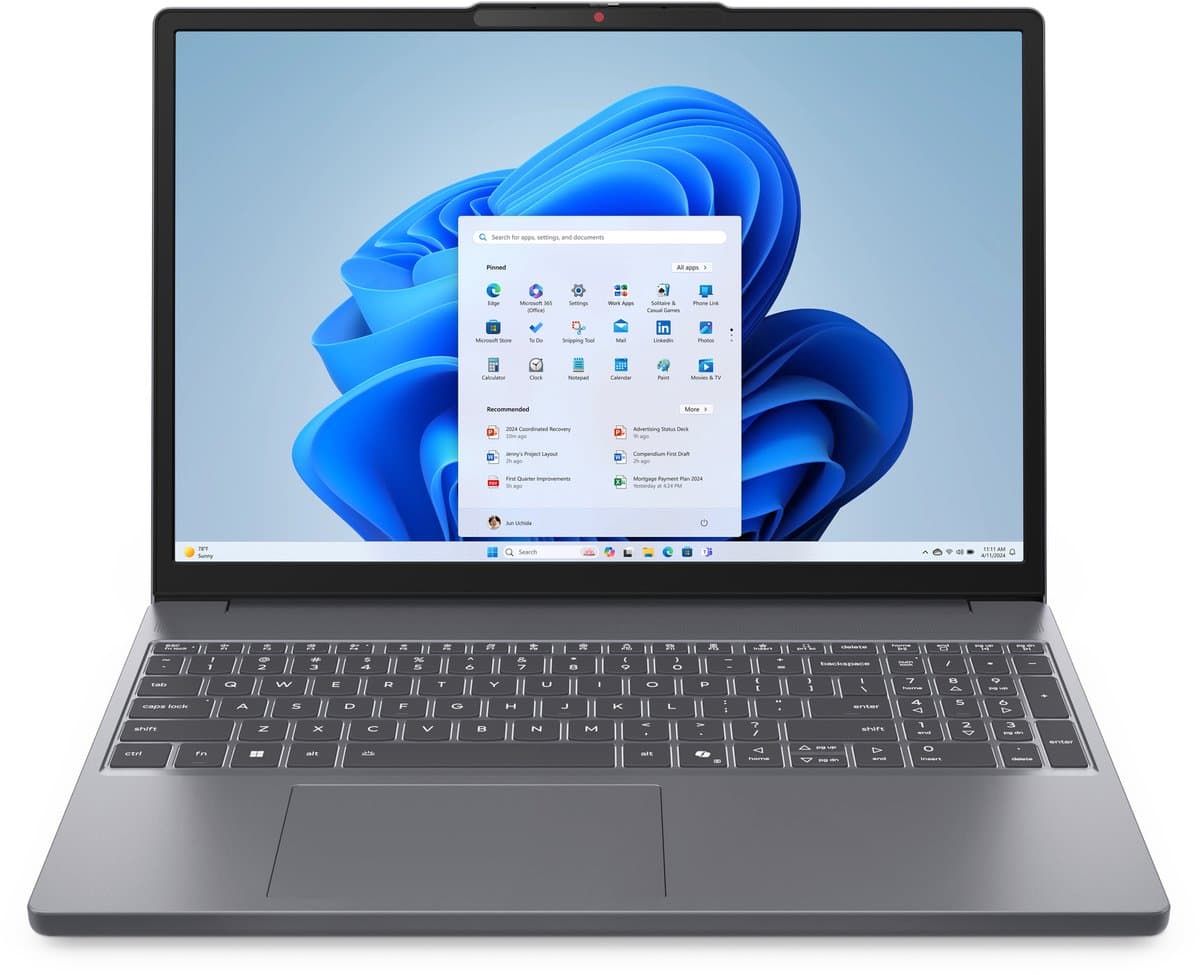
Lenovo IdeaPad Slim 3 OLED — Best Price-to-Display Quality (€949–€1,101)
An OLED panel under €1,100 is rare. Excellent for studying visual material, presentations and long work sessions. 15-inch with Ryzen processor and 16 GB RAM.
Compare prices — Lenovo IdeaPad Slim 3 OLED 15IRH10 83K100HBMH
Prices verified: 4 h ago · 1 shop
Comparison Table: Our Three Student Picks
| Model | Platform | Price | Battery | Weight | Best for |
|---|---|---|---|---|---|
| MacBook Air 13" M5 | macOS | €1,099–€1,199 | ~18 hrs | 1.24 kg | Quality & battery life |
| HP Pavilion SE 15 | Windows | €699 | ~8 hrs | ~1.8 kg | Budget & software compatibility |
| Lenovo IdeaPad Slim 3 OLED | Windows | €949–€1,101 | ~10 hrs | ~1.9 kg | Display quality |
Tips for Students
- Use your student discount. Apple offers up to €100 off via the Education Store. Lenovo and Dell have similar programmes. Some universities have their own deals.
- Consider refurbished. A refurbished MacBook Air M3 or Lenovo ThinkPad costs 20-30% less and works like new.
- Invest in accessories. A good laptop sleeve, an external mouse and a USB-C hub make your student life much more pleasant.
- Back up your work. Use cloud storage (Google Drive, OneDrive) and make regular backups. There's nothing worse than losing an assignment.
- Compare prices in our laptops category before buying.
Frequently Asked Questions
Is a Chromebook good enough for university?
For most studies: yes. If you primarily work with word processors, presentations and online research, a Chromebook is more than sufficient. Students who need specific software like MATLAB, SPSS, AutoCAD or Adobe Creative Suite should choose Windows or Mac. Always check with your programme which software is required before buying a Chromebook.
How much storage do I need as a student?
For most students, 256GB is sufficient, especially if you use cloud storage for large files. Students who edit lots of video, process large datasets or want to install games should opt for 512GB or 1TB. With a Chromebook, 128GB is enough because most files are stored in the cloud.
MacBook Air or MacBook Pro for students?
For the vast majority of students, the MacBook Air M4 is the better choice. It's lighter, quieter (no fan), cheaper and the battery lasts longer. The MacBook Pro is only necessary if you perform heavy tasks like video editing, 3D rendering or processing large datasets. The price difference of several hundred euros is better spent on accessories or your textbooks.
Back to the electronics buying guide for more categories.