The best gaming laptop of 2026: 6 picks from budget to high-end
The MSI Katana 15 HX with RTX 5060, at around €1,250, is the best gaming laptop of 2026 for most gamers. We line up six current picks, from a €799 entry-level model to an RTX 5070 flagship, with a comparison table and back-to-school advice for students.
Our top pick
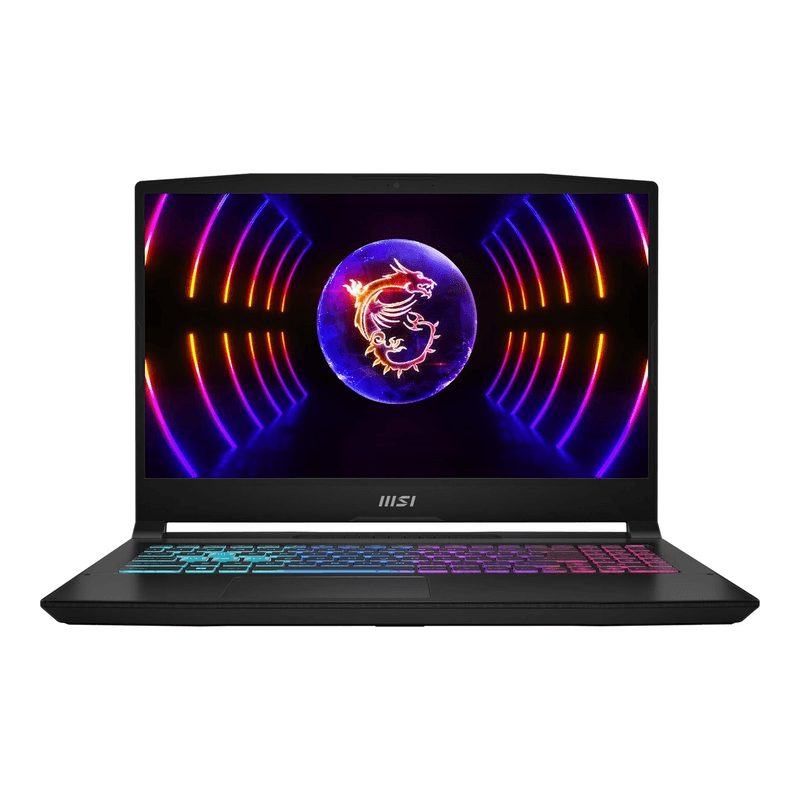
MSI Cyborg 15 B13WFKG-804NL - 15.6 inch Full HD 144Hz - Intel Core i7-13620H - 16GB DDR5 - 512GB SSD - NVIDIA GeForce RTX 5060 - Windows 11 Home
cheapest RTX 5060, best buy for students
From
€ 1.149,00
at Joybuy
The best gaming laptop of 2026
For most gamers, the best gaming laptop of 2026 is the MSI Katana 15 HX: Core i7 HX, RTX 5060, 16 GB RAM, 1 TB SSD and a 144Hz display for around €1,250 — and it can be compared across several shops. When choosing, pay particular attention to the graphics card (it determines your frame rates), the display's refresh rate (at least 144Hz), 16 GB of RAM or more and enough SSD storage — modern games easily swallow 100-150 GB each. On a tighter budget? Then the MSI Cyborg 15 with the same RTX 5060 for around €1,079 is the smartest buy this season. Below are our six picks from €799 to €1,749, followed by what really matters in 2026. Prices are the lowest prices in our price overview at the end of August 2026; our verdicts are based on manufacturer specifications and pooled user reviews.
The 6 best gaming laptops of 2026 compared
| Model | GPU | CPU | Display | RAM / SSD | Price |
|---|---|---|---|---|---|
| ASUS TUF Gaming A15 | RTX 3050 | Ryzen 7 | 15.6" FHD 144Hz | 16 GB / 512 GB | around €799 |
| MSI Cyborg 15 | RTX 5060 | Core i7-13620H | 15.6" FHD 144Hz | 16 GB / 512 GB | around €1,079 |
| MSI Katana 15 HX | RTX 5060 | Core i7 HX | 15.6" FHD 144Hz | 16 GB / 1 TB | around €1,250 |
| ASUS TUF Gaming A16 | RTX 5070 | Ryzen 7 260 | 16" FHD+ 165Hz | 16 GB / 1 TB | around €1,399 |
| Lenovo Legion 5 OLED | RTX 5060 | Ryzen 7 | 15.1" OLED 165Hz | 32 GB / 1 TB | around €1,549 |
| HP OMEN 16 | RTX 5070 | Core Ultra 7 | 16" QHD 240Hz | 32 GB / 1 TB | around €1,749 |
ASUS TUF Gaming A15 (FA506NCR) — budget entry point under €800 (€799-€899)
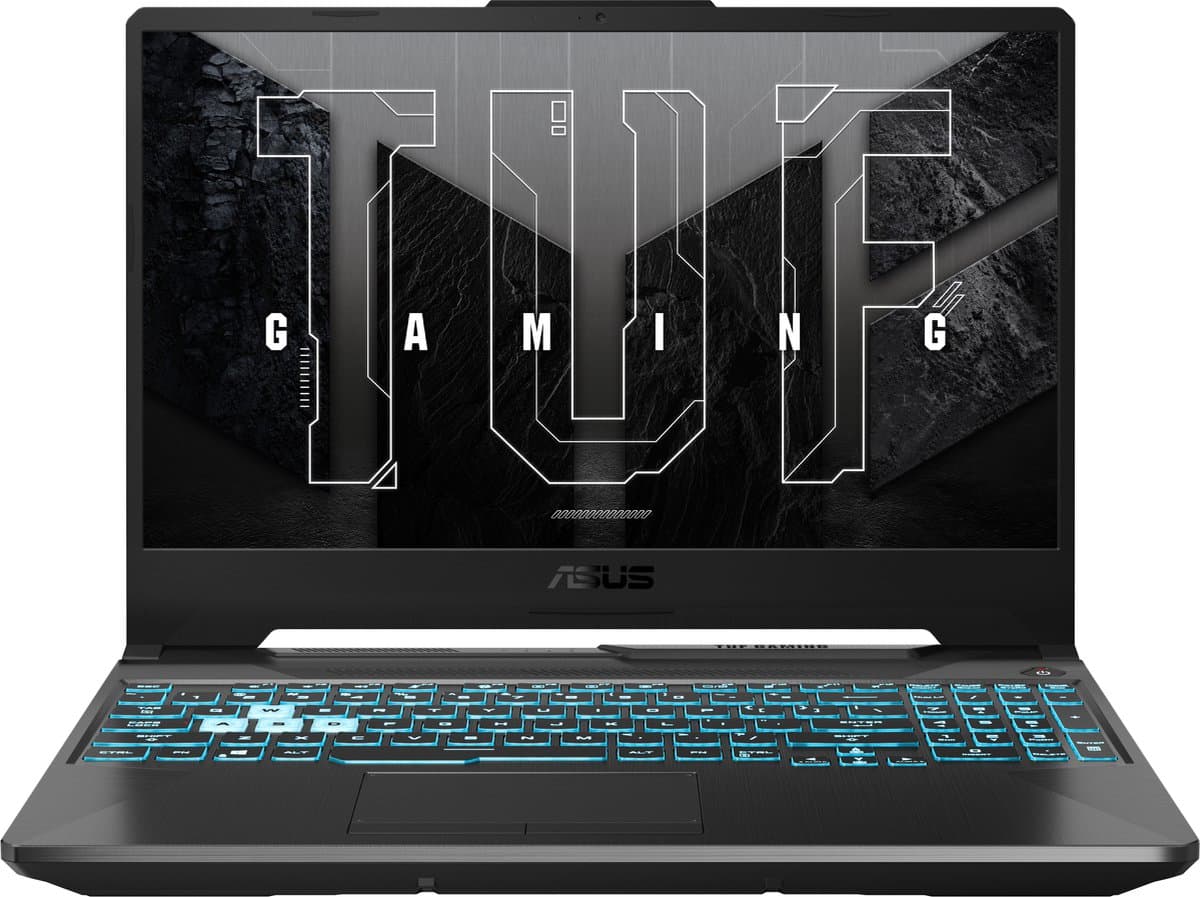
The ASUS TUF Gaming A15 (around €799) pairs a Ryzen 7 with an older RTX 3050 and 16 GB of RAM — that means 1080p at medium settings in demanding titles, not ultra. For esports games such as Fortnite, Valorant and CS2 the 144Hz display earns its keep. Under €800 this is a sensible first gaming laptop.
MSI Cyborg 15 (B13WFKG-804NL) — cheapest RTX 5060, best buy for students (€1079-€1149)
The MSI Cyborg 15 (around €1,079) is the cheapest way to get hold of an RTX 5060: 8 GB of GDDR7, DLSS 4 with Multi Frame Generation and full ray tracing, paired with a ten-core Core i7-13620H and a 15.6-inch IPS display at 144Hz. The compromise lies in the 512 GB SSD and the plainer chassis. One laptop for lectures and game nights under €1,100? This is it.
Compare prices — MSI Cyborg 15 B13WFKG-804NL - 15.6 inch Full HD 144Hz - Intel Core i7-13620H - 16GB DDR5 - 512GB SSD - NVIDIA GeForce RTX 5060 - Windows 11 Home
More from MSI · Prices verified: 1 days ago · 1 shop

MSI Katana 15 HX (B14WFK-046NL) — best price-performance all-rounder (€1249-€1349)
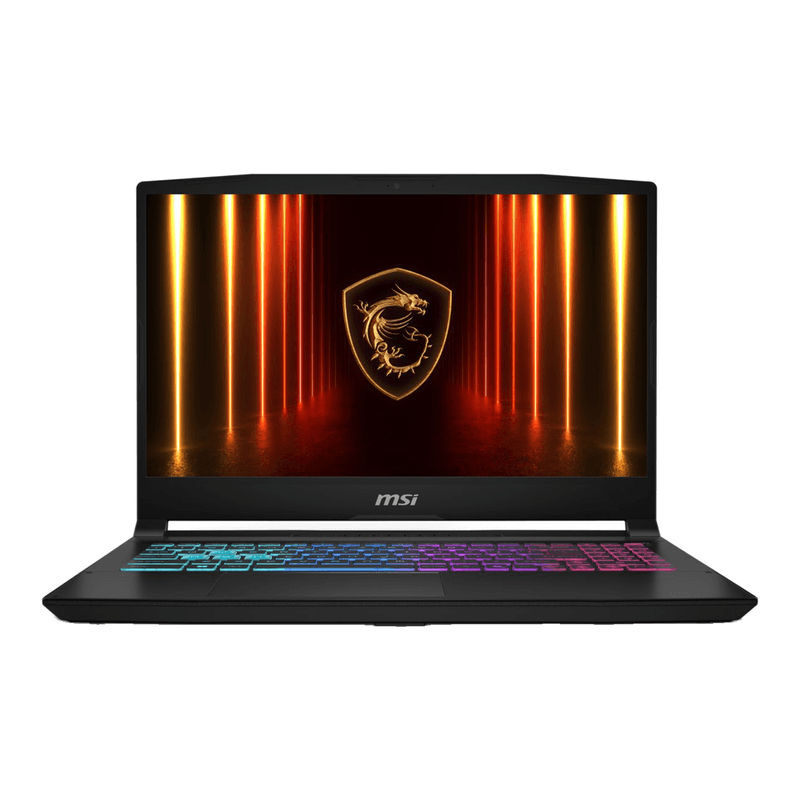
The MSI Katana 15 HX (around €1,250) delivers exactly what you want in 2026: an RTX 5060 with DLSS 4, a Core i7 HX processor, 1 TB of storage and a 144Hz 15.6-inch anti-glare display that actually shows off those frame rates. Compared with the Cyborg you pay around €170 extra for double the storage and the heavier HX processor. The chassis is functional plastic and the fans are audible under full load; so that's not what you're paying for, and that's precisely what makes the price so good.
Compare prices — MSI Katana 15 HX B14WFK-046NL - Gaming Laptop - Core i7 - RTX 5060 - 16GB/1000GB - 144 Hz - 15.6 inch
More from MSI · Prices verified: 23 h ago · 2 shops

ASUS TUF Gaming A16 (FA608UP) — RTX 5070 for mid-range money (€1399-€1499)
The ASUS TUF Gaming A16 (around €1,399) is the sharpest deal of the moment if you want to go one tier up: an RTX 5070 and an eight-core Ryzen 7 260 for the price at which other brands still give you an RTX 5060. The 16-inch 16:10 display (1920 x 1200) runs at 165Hz with 100% sRGB, the PCIe 4.0 SSD is 1 TB and the 16 GB of RAM is enough for gaming. Demanding games at Full HD on high settings, mid-weight titles at Quad HD: that is this laptop's playing field.
Lenovo Legion 5 (15AHP10) — best-looking display thanks to OLED (€1549-€1649)
The Lenovo Legion 5 OLED (around €1,549) takes a different route to premium: a 15.1-inch OLED display at 165Hz with perfect blacks and rich colours, plus an RTX 5060, Ryzen 7, 32 GB of RAM and 1 TB of storage in a chassis with an aluminium lid that is narrower and lighter than the previous generation. For atmospheric single-player games — think RPGs and horror — OLED makes more of a difference than a few dozen extra frames.
Compare prices — Lenovo Legion 5 15AHP10 - Gaming laptop - 15.1 inch - RTX 5060 - 32GB/1TB - OLED
More from Lenovo · Prices verified: 23 h ago · 1 shop
HP OMEN 16 (16-am0773nd) — high-end: RTX 5070, 32 GB and 240Hz (€1749-€1849)
The HP OMEN 16 (around €1,749) is the step up: an RTX 5070, Core Ultra 7, 32 GB of RAM, a 1 TB SSD and a 16-inch QHD panel at 240Hz. That refresh rate pays off mainly in competitive shooters, and the 32 GB is future-proof for streaming or video editing. If frame rates are all you care about, the TUF A16 gets you there for €350 less.
Back to school: which gaming laptop for students?
Starting a course after the summer and need one laptop to do everything? Then judge it on three points: enough RAM for multitasking, a chassis that isn't too heavy and a realistic budget. The MSI Cyborg 15 (around €1,079) is the logical student buy: an RTX 5060 for gaming, a ten-core Core i7 for twenty browser tabs alongside your notes. Tighter budget? The ASUS TUF Gaming A15 (around €799) handles lectures and game nights without complaint. Bear in mind that gaming laptops rarely last a full day of lectures on battery — the power adapter simply goes in the bag too. More study advice is in our article on the best laptop for students.
What should you look for in a gaming laptop in 2026?
GPU tier: from RTX 3050 to RTX 5070
The graphics card shapes your gaming experience more than any other component. As of mid-2026, the RTX 5060 is the sweet spot: DLSS 4 with Multi Frame Generation delivers a hefty frame-rate boost in supported games, and you're set for years when it comes to drivers and features. The RTX 5050 is the new entry point: fine for 1080p, with the same modern features. The RTX 5070 has become remarkably affordable in 2026 — the TUF A16 shows you can have one for around €1,400 — and pays off if you want consistently high settings or 1440p. The RTX 3050 is now three generations old: fine for esports and older titles, but don't kid yourself about new AAA games at high settings.
Display: 144Hz is the baseline, 240Hz for competitive play, OLED for atmosphere
A high refresh rate makes gaming noticeably smoother. In 2026, 144Hz is the minimum, 165Hz (TUF A16, Legion 5) a welcome bonus and 240Hz (OMEN 16) pays off mainly in competitive shooters. More important than the jump from 165 to 240Hz: can your GPU actually deliver those frame rates? A 240Hz panel paired with a GPU that manages 90 fps is wasted money. OLED (Legion 5) is the other route: no higher frame rates, but a far better picture — especially in dark, atmospheric games.
RAM and SSD
16 GB of RAM is the standard for gaming in 2026 and is enough for almost everything; the 32 GB in the OMEN and Legion 5 is future-proof and useful for streaming or video editing. For storage the rule is: 1 TB is comfortable, 512 GB is tight. Modern games swallow 100-150 GB each, so with 512 GB you're full after four or five installs. That often explains the price difference, as between the Cyborg and the Katana.
Cooling, noise and size
This is where budget laptops cut corners. The same RTX 5060 performs consistently better in a well-cooled chassis (Legion 5) than in a cramped budget model, because the GPU holds its boost clocks for longer. Size-wise, 15-16 inches and 2.2-2.5 kg is the happy medium.
Frequently asked questions
What is the best gaming laptop of 2026?
For most people, the MSI Katana 15 HX: RTX 5060, Core i7 HX, 144Hz and 1 TB for around €1,250. If you want to go one tier up without paying much more, go for the ASUS TUF Gaming A16 with RTX 5070 (around €1,399).
What are the best gaming laptops of 2026 under €1,000?
The ASUS TUF Gaming A15 (around €799) with RTX 3050 as a solid entry point, and the MSI Cyborg 15 with RTX 5050 (around €939) if you insist on the latest generation: fine for 1080p, with the same DLSS 4 features. If you can stretch a little, the MSI Cyborg 15 with RTX 5060 (around €1,079) is a clearly bigger step than the price difference suggests.
Which gaming laptop is best for students?
The MSI Cyborg 15 at around €1,079: an RTX 5060 with a ten-core Core i7, so alongside gaming it also handles studying smoothly with plenty of tabs and heavy software. If €1,079 is too much, the ASUS TUF Gaming A15 (around €799) is a fine alternative.
How much should I spend on a gaming laptop?
The sweet-spot budget in 2026 sits between €1,050 and €1,450: that gets you an RTX 5060 or even an RTX 5070 with a fast display. Under €1,000 you end up with an RTX 5050 or an older RTX 3050; above €1,500 you're paying for 32 GB of RAM, OLED, 240Hz or better cooling.
RTX 5060 or RTX 5070: what do you notice in practice?
Both cards have DLSS 4 and the same feature set; the RTX 5070 delivers more raw power, which you notice mainly at 1440p and with ray tracing. If you play on a Full HD display at 144Hz, an RTX 5060 is almost always enough; if you connect the laptop to a 1440p monitor or want to be set for years, the RTX 5070 in the TUF A16 is worth the extra money.
Compare and grab a bargain
Gaming laptop prices fluctuate a lot, especially in back-to-school season. So always compare current prices before you buy: browse all gaming laptops on Productvraag and see at a glance where your favourite is cheapest right now. Still torn? Our laptop buying guide 2026 sets gaming laptops and all-rounders side by side.
Producten uit dit artikel

ASUS TUF Gaming A15 FA506NCR-HN011W - Gaming Laptop - Ryzen 7 - RTX 3050 - 16GB/512GB - 15.6 inch - 144Hz

MSI Cyborg 15 B13WFKG-804NL - 15.6 inch Full HD 144Hz - Intel Core i7-13620H - 16GB DDR5 - 512GB SSD - NVIDIA GeForce RTX 5060 - Windows 11 Home

MSI Katana 15 HX B14WFK-046NL - Gaming Laptop - Core i7 - RTX 5060 - 16GB/1000GB - 144 Hz - 15.6 inch

ASUS TUF Gaming A16 FA608UP-RV106W - Gaming Laptop - 16 inch - RTX 5070 - 165 Hz

Lenovo Legion 5 15AHP10 - Gaming laptop - 15.1 inch - RTX 5060 - 32GB/1TB - OLED
Got a question? Just ask.
We'll email you back within 24 hours. No sales pitch.