The Best Smart Home Hubs of 2026
Compare the top smart home hubs of 2026 on protocols (Zigbee, Z-Wave, Matter, Thread), ease of use and price, from the Philips Hue Bridge to Home Assistant.
Our top pick
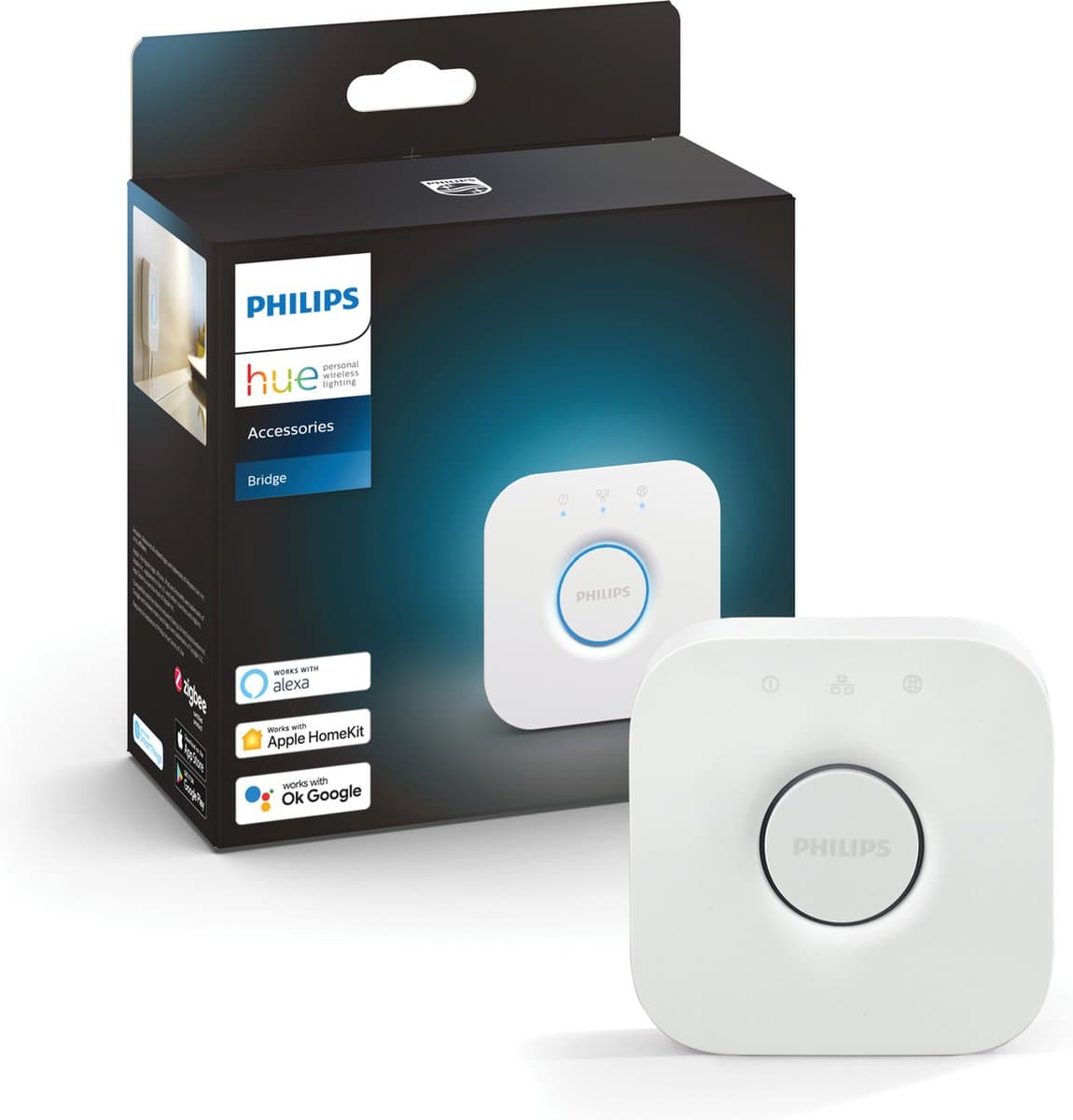
Philips Hue Bridge
Best entry-level option for bulbs
From
€ 59,00
at Coolblue
Top producten vergelijken


Compare the top smart home hubs of 2026 on protocols (Zigbee, Z-Wave, Matter, Thread), ease of use and price, from the Philips Hue Bridge to Home Assistant.
A smart home hub is the brain that lets you make smart bulbs, plugs, sensors and cameras from different brands work together in one app and in one automation. Without a hub, you keep switching between the Philips Hue, IKEA Tradfri and Tuya apps; with a good hub, a single tap on "Bedtime" switches every device at once. In this guide we compare the best smart home hubs of 2026 on protocols (Zigbee, Z-Wave, Matter, Thread), ease of use and price, based on specifications, user reviews and current prices at Dutch webshops.
What should you look for when choosing a smart home hub?
The protocols you need. Zigbee is the de facto standard for sensors and battery-powered devices; Z-Wave is mostly found in security products; Matter and Thread are the new standards that bring iOS, Android and most brands together. A hub that covers Zigbee, Thread and Matter is future-proof.
Local or cloud. If the logic runs on the hub itself, your routines keep working without an internet connection. Cloud-bound hubs go down during outages and share more data. Homey and Home Assistant are local; Philips Hue is a hybrid.
App and scripts. For most users, a graphical editor for "if X, then Y" rules is enough. Anyone who wants more (variables, time logic, conditions across multiple devices) has plenty of room in Homey Pro or Home Assistant.
Ecosystem. Google Home, Amazon Alexa and Apple HomeKit work with most hubs; check specifically which of your smart devices you already own and whether the hub supports them natively.
Expandability. A good hub is an investment for years. Don't just look at what you have now, but at the brands and protocols you may want to add later.
Philips Hue Bridge — Best entry-level option for bulbs (around €50-€70)
If you only want smart lighting, you don't need to spend more. The Hue Bridge is purely intended for Hue and Philips Signify bulbs and runs through the Hue app: routines, geolocation, schedules and integration with Alexa, Google Home and Apple HomeKit. Not a broad automation platform, but the most reliable way to make your lighting smart.
Compare prices — Philips Hue Bridge
More from Philips Hue · Prices verified: 19 h ago · 2 shops


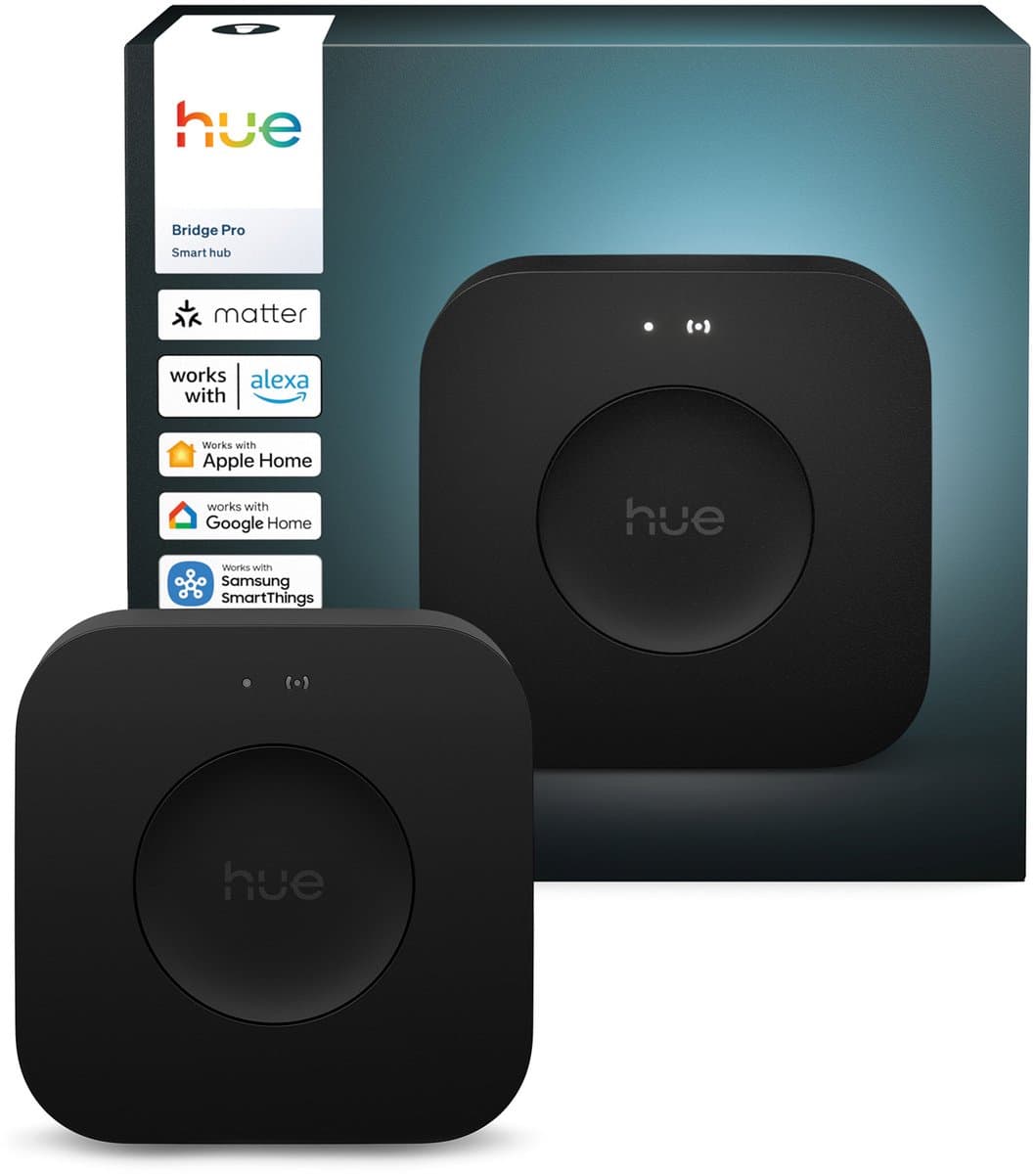
Philips Hue Bridge Pro — Best for large lighting setups (around €80-€100)
The Pro version raises the limit from 50 to 150 bulbs per bridge and has a faster processor for quicker scene response. For a large home with several rooms full of Hue bulbs this is the logical choice; for two or three bulbs the standard Bridge is more than enough.
Compare prices — Philips Hue Bridge Pro
More from Philips Hue · Prices verified: 1 days ago · 2 shops
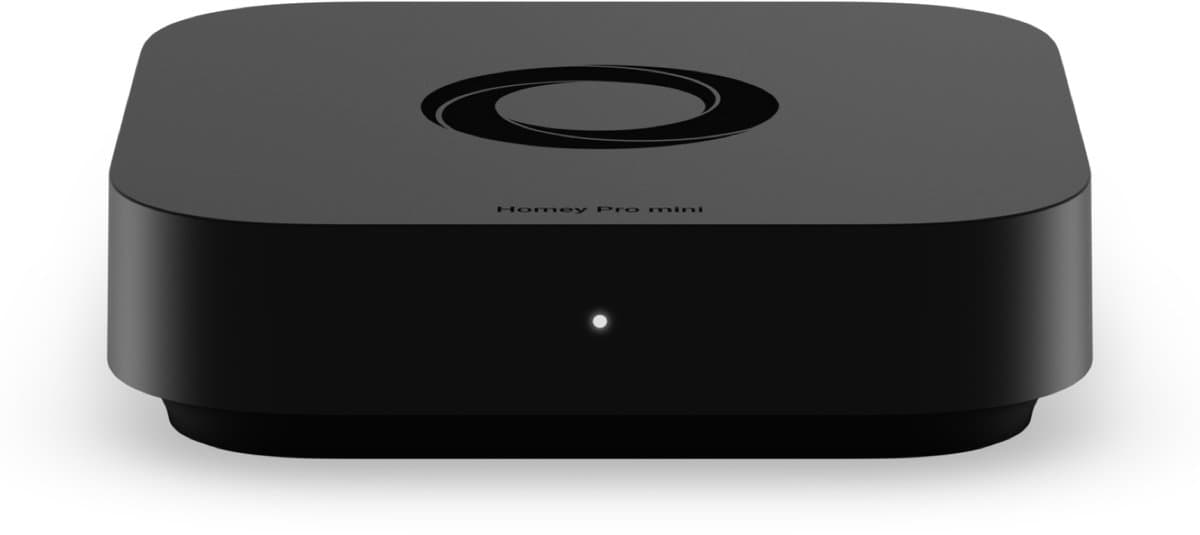
Athom Homey Pro Mini — Best all-rounder (around €200-€300)
The Homey Pro Mini from Dutch company Athom is a compact entry-level model that supports Zigbee, Z-Wave, Thread, Matter, Wi-Fi and Bluetooth. It offers a graphical flow editor for automations, a large Dutch forum and integrations with almost every brand. It runs locally without any cloud dependency. If you want to get serious about smart living without jumping straight to Home Assistant, this is the best starting point.
Compare prices — Athom Homey Pro Mini
More from Homey · Prices verified: 23 h ago · 2 shops
Athom Homey Pro (2026) — Best for complex scripts (around €400-€500)
The full Homey Pro is more powerful than the Mini: more memory, support for Homey Script (JavaScript-like logic) and HomeyDash, plus broader protocol support. Ideal for homes with dozens of devices and more complex routines (zoned heating, elaborate scenes, links with sensors).
Compare prices — Athom Homey Pro (2026)
More from Homey · Prices verified: 1 days ago · 2 shops
Homey Energy Dongle — Best add-on for energy monitoring (around €35-€50)
Not a main hub, but a surprisingly useful add-on: clamps around your meter cable monitor your current power consumption and solar generation in real time, and the data flows neatly into Homey. Combine it with the Homey Pro Mini or Pro for automations like "only start the tumble dryer when the sun is generating more than 2 kW".
Compare prices — Homey Energy Dongle
More from Homey · Prices verified: 23 h ago · 2 shops
Home Assistant — Best for tinkerers (free, hardware from €80)
Open source, free and endlessly extendable through community integrations. Runs on a Raspberry Pi, mini PC or a dedicated Home Assistant Green (around €99). It takes more upfront effort than Homey, but no other platform supports more devices or gives you more control. Heavier going than Homey for non-technical users; unbeatable for anyone who enjoys tinkering.
Which hub suits whom?
Just making bulbs smart: Philips Hue Bridge. Getting started seriously without the headaches: Athom Homey Pro Mini. Complex setups with dozens of devices and scripts: Athom Homey Pro or Home Assistant. Die-hard tinkerer with time to experiment: Home Assistant on your own hardware.
Frequently asked questions about smart home hubs
Do I even need a hub?
Not for two smart bulbs and a plug; those talk fine to the brand's own app or over Wi-Fi. As soon as you use more than one brand, or want automations that combine devices ("open the curtains at sunrise, but only if someone is awake"), a hub quickly becomes indispensable.
What is Matter and should I wait for it?
Matter is a new universal standard that lets devices from different brands work together directly over Wi-Fi and Thread. It has been rolling out slowly since 2023; not every device is Matter-certified yet, but all the major hubs (Homey, Hue, Home Assistant) now support it. Buying a Matter-compatible hub today is a sensible long-term investment.
Can I combine multiple hubs?
Yes. Many users have a Hue Bridge dedicated to their bulbs and a Homey for everything else; the Homey then talks to the Hue Bridge through the Hue integration. It works, but it keeps the configuration more complex than a single central hub.
Does the hub still work during an internet outage?
Local hubs (Homey, Home Assistant) keep running routines without an internet connection. Cloud-bound hubs (SmartThings, Google Nest Hub for some functions) need internet for most automations. For critical use cases (lighting for elderly parents, alarms) a local hub is a must.
How many devices can a single hub handle?
Homey Pro handles up to around 100 devices before it slows down noticeably; the Hue Bridge Pro takes 150 bulbs; Home Assistant has no hard limit and scales with your hardware. For an average family home you rarely go beyond 40 to 50 devices.
Meer producten vergelijken


Got a question? Just ask.
We'll email you back within 24 hours. No sales pitch.