Best laptop 2026: how to choose the right one (with 5 picks)
Which laptop suits you in 2026? 7 jargon-free buying criteria plus 5 picks from our price comparison, from budget to premium (€569–€1,639).
Summary
The best laptop of 2026 is the one that fits how you use it. For study, working from home and everyday tasks, a Windows laptop of 550 to 700 euros with 16 GB of RAM and a 512 GB SSD is all you need; if you edit photos or multitask heavily, the OLED mid-range at around 850 euros is the sweet spot; gamers need a dedicated graphics card, which starts at roughly 950 euros; and if display, battery life and build quality come first, look at a MacBook Air. Below you'll find the 7 buying criteria and 5 picks from our price comparison (569 to 1,639 euros). Prices are approximate and come from our database at the time of writing; the assessments are based on manufacturer specifications and pooled user reviews. For detailed model comparisons per category, see our best laptops 2026 buying guide.
The 5 best laptops of 2026 at a glance
| Best for | Pick | Processor | RAM / storage | Display | Approx. price |
|---|---|---|---|---|---|
| Budget | Acer Aspire 15 A15-51M-56YE | Intel Core i5-13420H | 16 GB / 512 GB SSD | 15.6" Full HD | €569–€666 |
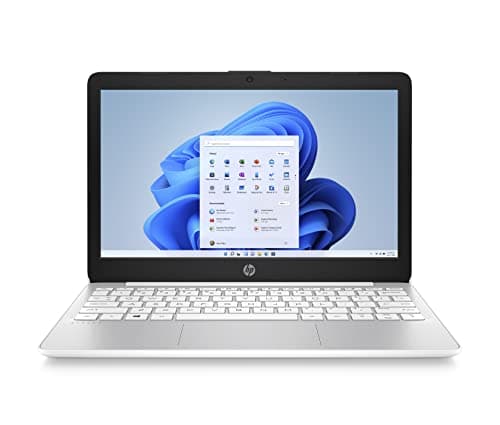
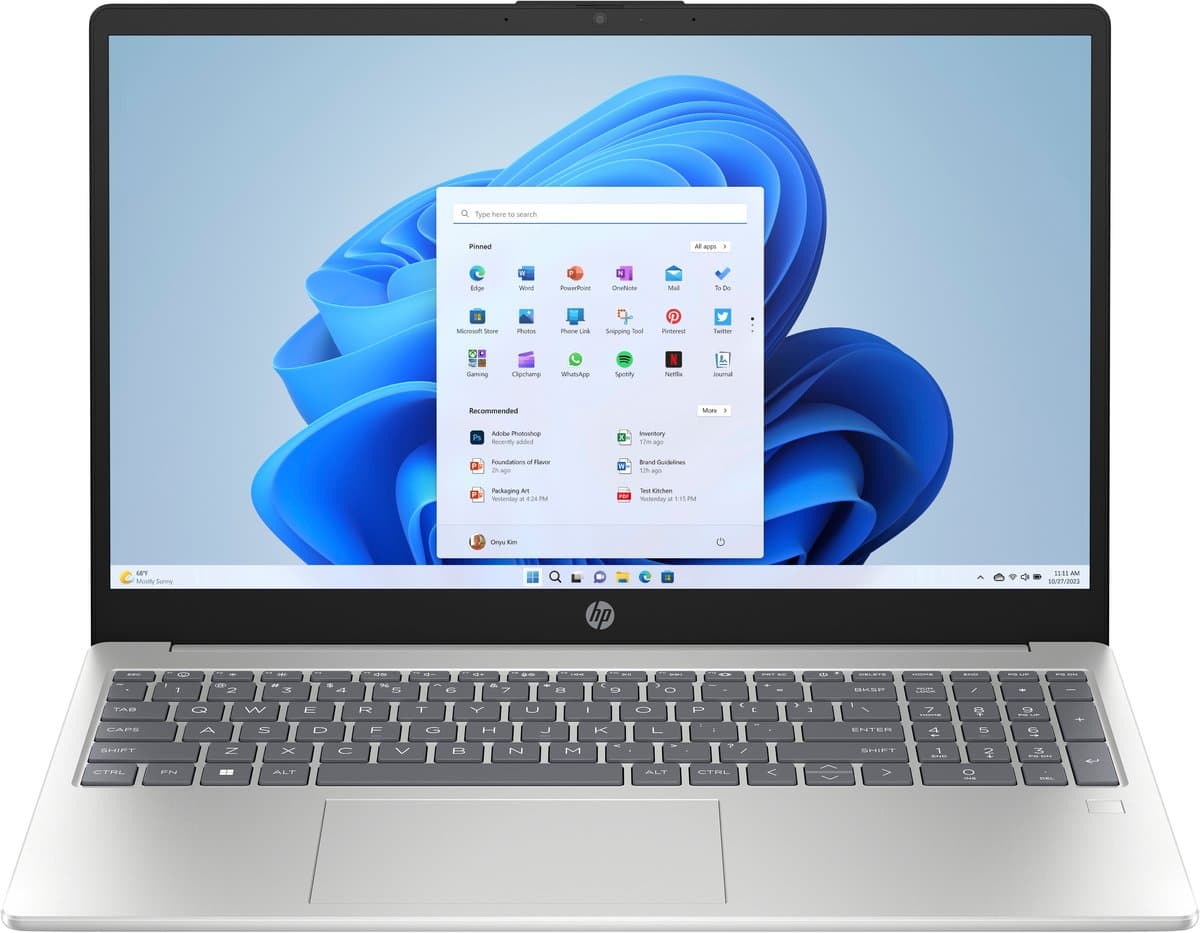
| Study and home working | HP Pavilion SE 15-fc0957nd | AMD Ryzen 5 7520U | 16 GB / 512 GB SSD | 15.6" Full HD | €579–€676 |
| All-round and photos | ASUS Vivobook 16 OLED X1605VA | Intel Core i7 | 16 GB | 16" OLED | €829–€925 |
| Gaming | MSI Cyborg 15 B13WEKG-802NL | Intel Core i5-13420H + RTX 5050 | 16 GB / 512 GB SSD | 15.6" Full HD | €939–€1,049 |
| Premium | Apple MacBook Air 15 M5 | Apple M5 | 16 GB | 15.3" Liquid Retina | €1,626–€1,639 |
How to choose the right laptop: 7 buying criteria
1. What will you use the laptop for?
Your use case sets the specifications and the budget.
- Study and office: browser, Office and video calls. An entry-level laptop with 16 GB of RAM and an SSD is more than enough. Budget: 500 to 700 euros. If you work almost exclusively in the browser, a Chromebook is the cheapest hassle-free option.
- Creative work: photo editing, video and design call for a fast processor, at least 16 GB of RAM and a colour-accurate display (OLED or Liquid Retina). Budget: 850 to 2,000 euros.
- Gaming: a dedicated graphics card (NVIDIA RTX or AMD Radeon) is a must; integrated graphics won't cut it for modern games. Budget: 950 to 2,500 euros. See also our best gaming laptop of 2026.
- Software development: plenty of RAM (32 GB is a comfort), a fast SSD and a good keyboard.
- Home use: streaming, browsing and light tasks. Almost any laptop above 450 euros will do.
2. Which screen size suits you?
- 13 to 14 inch: light (often under 1.5 kg) and ideal on the go.
- 15 to 16 inch: the all-rounder and the best-selling size in the Netherlands; comfortable with several windows side by side.
- 17 to 18 inch: desktop replacements of 2.5 to 3 kg, mainly for gaming.
Also look at the aspect ratio (16:10 gives more vertical space than 16:9) and the panel technology: OLED offers deeper blacks and richer colours, IPS is the affordable standard. Gamers should check the refresh rate (120 Hz or higher).
3. Which processor do you need?
In 2026 there are three major players: Intel Core (Ultra), AMD Ryzen and the Apple M series. For everyday use a Core i5, Core Ultra 5 or Ryzen 5 is more than enough; for heavier workloads choose a Core i7/Ultra 7, Ryzen 7 or an Apple M chip. An H-series processor (such as the i5-13420H) delivers more performance than a U-series processor (such as the Ryzen 5 7520U), which in turn is more power-efficient. Newer chips include an NPU for AI features; useful, but not a reason to pay a lot extra.
4. How much RAM?
- 8 GB: the absolute minimum and only still acceptable on Chromebooks.
- 16 GB: the standard for 2026 and enough for home working, photo editing, programming and casual gaming.
- 32 GB or more: for video editing, 3D and heavy development environments.
In many modern laptops, including all MacBooks, the RAM is soldered and cannot be upgraded. So choose enough from the start; save on storage instead, which you can expand externally.
5. How much storage?
An SSD is standard. 256 GB is tight, 512 GB is the sweet spot and 1 TB is advisable for games or large photo libraries. Need more room? An external SSD from our storage category is cheaper than a pricier configuration.
6. How important is battery life?
Ultrabooks and MacBooks typically last a full working day; standard Windows laptops vary widely (5 to 14 hours) and gaming laptops manage 3 to 5 hours under normal use. If you mostly work at home, this is a place to save. Look for USB-C charging: many laptops charge with the same charger as your smartphone.
7. Always compare prices
The same laptop can differ by tens to hundreds of euros between web shops. So compare first via Productvraag laptops. Saving tips: wait for back-to-school, Black Friday or the holiday season, consider refurbished and check student discounts.
Acer Aspire 15 A15-51M-56YE — best budget laptop (€569–€666)
The Acer Aspire 15 A15-51M-56YE delivers the most computing power per euro in this list. The Intel Core i5-13420H is an H-series processor normally found in pricier laptops, paired with 16 GB of LPDDR5 memory, a 512 GB SSD and Wi-Fi 6E. The 15.6-inch Full HD display and aluminium chassis make it a tidy all-rounder. The trade-off: an H-series chip is less frugal, so expect shorter battery life than the HP below.
Best choice for: anyone who wants maximum performance under 600 euros and uses the laptop mostly plugged in.
HP Pavilion SE 15-fc0957nd — best laptop for study and home working (€579–€676)
The HP Pavilion SE 15-fc0957nd pairs a power-efficient AMD Ryzen 5 7520U with 16 GB of LPDDR5, a 512 GB SSD, Wi-Fi 6 and a 15.6-inch Full HD display. The U-series processor is less powerful than the Acer's i5-13420H, but quieter and more frugal, which makes it a good fit for lectures, video calls and working away from a power socket.
Best choice for: students and home workers looking for a reliable, quiet laptop for browser, Office and video calls.
ASUS Vivobook 16 OLED X1605VA-SH2185W — best all-round laptop (€829–€925)
The ASUS Vivobook 16 OLED is the step up for anyone who wants a better display: the 16-inch OLED panel gives richer colours and better contrast than the Full HD IPS screens on the budget picks. With an Intel Core i7 and 16 GB of memory you switch between demanding programs without stutter and edit photos and simple videos comfortably. The large format is less convenient for daily transport.
Best choice for: home workers and hobby photographers who want a big, colourful display and ample performance without paying premium prices.
MSI Cyborg 15 B13WEKG-802NL — best gaming laptop under €1,100 (€939–€1,049)
The MSI Cyborg 15 B13WEKG-802NL is the entry point to serious gaming: an NVIDIA GeForce RTX 5050 alongside an Intel Core i5-13420H, 16 GB of DDR5 and a 512 GB SSD. The 15.6-inch Full HD display is the right resolution for this graphics card. The 512 GB SSD fills up quickly with modern games; an external SSD is the logical next step. Expect short battery life while gaming.
Best choice for: gamers with a budget of around 1,000 euros who want to play modern titles at Full HD.
Apple MacBook Air 15 M5 — best premium laptop (€1,626–€1,639)
The MacBook Air 15" M5 with 16 GB of memory is the premium choice for anyone who puts build quality, display and battery life above everything else. The Apple M5 chip combines high performance with the energy efficiency the M series is known for, and the 15.3-inch Liquid Retina display is colour-accurate enough for photo editing. The memory cannot be upgraded: if you do a lot of video editing, go straight for a configuration with more RAM. Downside: the highest price tag in this list.
Best choice for: creative users and iPhone owners who want a thin, silent laptop with long battery life that lasts for years.
Best laptop for home use
Home use (browsing, streaming, video calls, online banking) is where you need to spend the least. Choose a 15- or 16-inch display because portability matters less, 16 GB of RAM so the laptop stays quick for years, a 512 GB SSD and preferably a Full HD webcam for video calls. Battery life is less critical at home. For most households 550 to 750 euros is the sweet spot; the Acer Aspire 15 and HP Pavilion 15 above are built for exactly that. If you also edit photos at home, look one segment up at the ASUS Vivobook 16 OLED.
Frequently asked questions about buying a laptop
Is a Chromebook suitable as a full laptop?
For anyone who works mainly in the browser (Google Docs, email, streaming), yes: ChromeOS is light, fast and secure, and Google supports Chromebooks with updates for at least 10 years. Windows software such as Photoshop or industry-specific programs won't run on it. See also our best laptop for students 2026.
How many years does a laptop last?
A good laptop with 16 GB of RAM and an SSD lasts 5 to 7 years. Apple typically supports MacBooks with macOS updates for 7 to 8 years. Invest in RAM and storage when you buy.
Which ports matter in 2026?
At least two USB-C ports, one of them with Thunderbolt 4 or USB4 for an external display and fast storage. USB-A is handy for older accessories, HDMI for presenting, an SD card reader for photographers.
Should I buy a laptop with a touchscreen?
Only if you also want to use it as a tablet or draw with a stylus. For most users it's a nice bonus, not a necessity.
Conclusion: the best laptop doesn't exist, but the best laptop for you does
Start with your use case and budget: a student who works in the browser doesn't need a 1,500-euro laptop, and a photographer won't be happy with an entry-level model. Then choose 16 GB of RAM, a 512 GB SSD and a display that fits your work, and always compare prices. Browse all laptops in our price comparison or read the in-depth best laptops 2026 buying guide.
Producten uit dit artikel
Acer Aspire 15 A15-51M-56YE

HP Pavilion SE 15-fc0957nd
ASUS Vivobook 16 OLED X1605VA-SH2185W

MSI Cyborg 15 B13WEKG-802NL Intel® Core™ i5 i5-13420H Laptop 39,6 cm (15.6") Full HD 16 GB DDR5-SDRAM 512 GB SSD NVIDIA GeForce RTX 5050 Wi-Fi 6E (802.11ax) Windows 11 Home Zwart
Vergelijk prijzenGot a question? Just ask.
We'll email you back within 24 hours. No sales pitch.