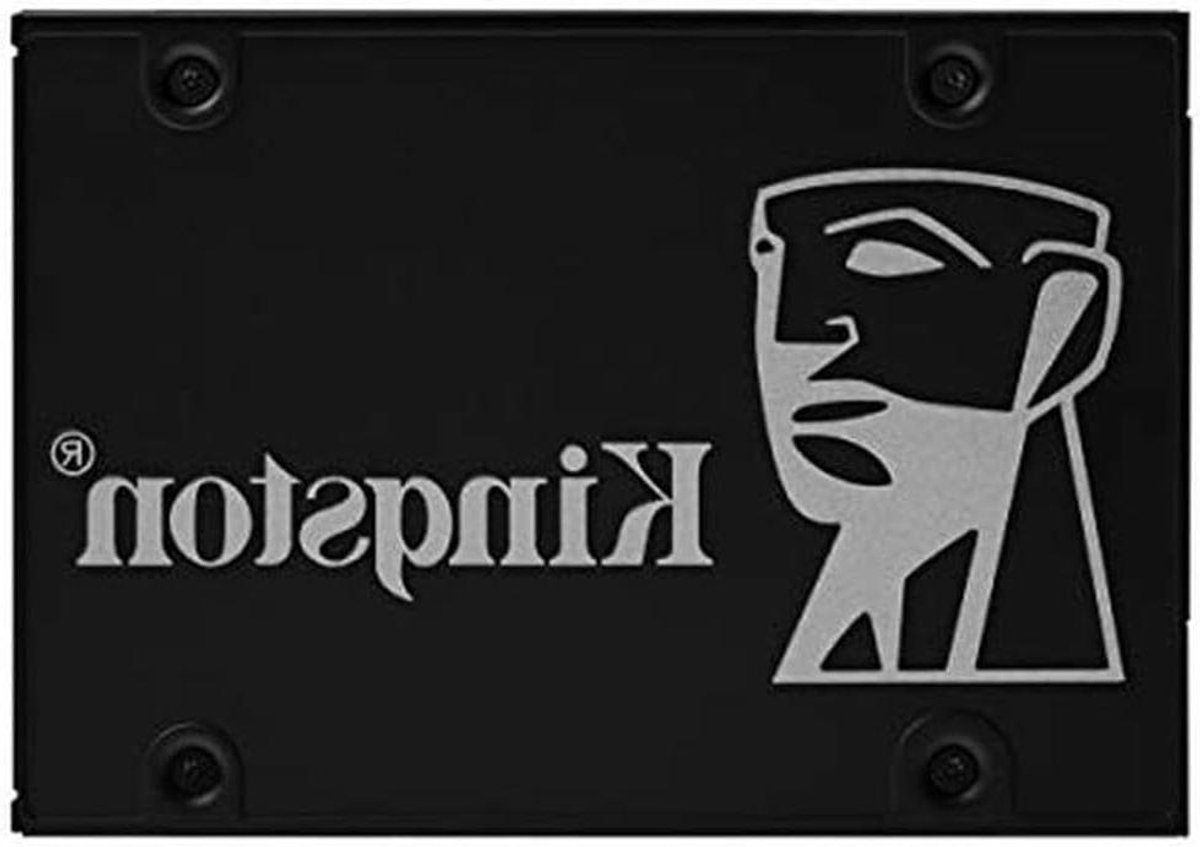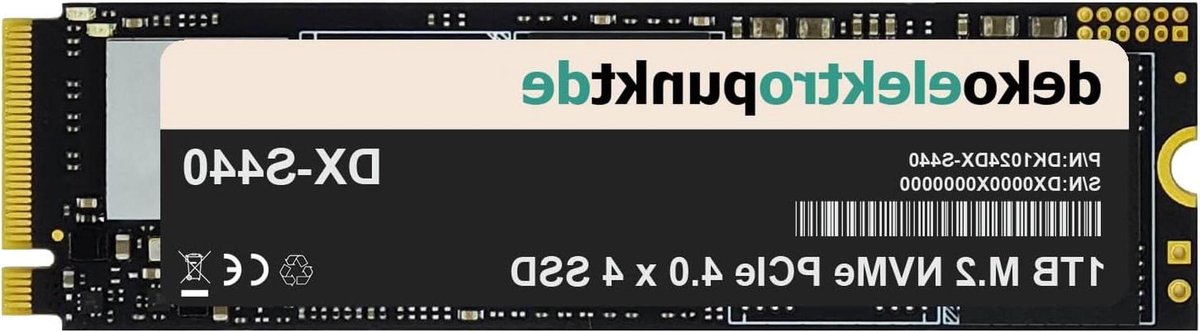
Opslag & Geheugen
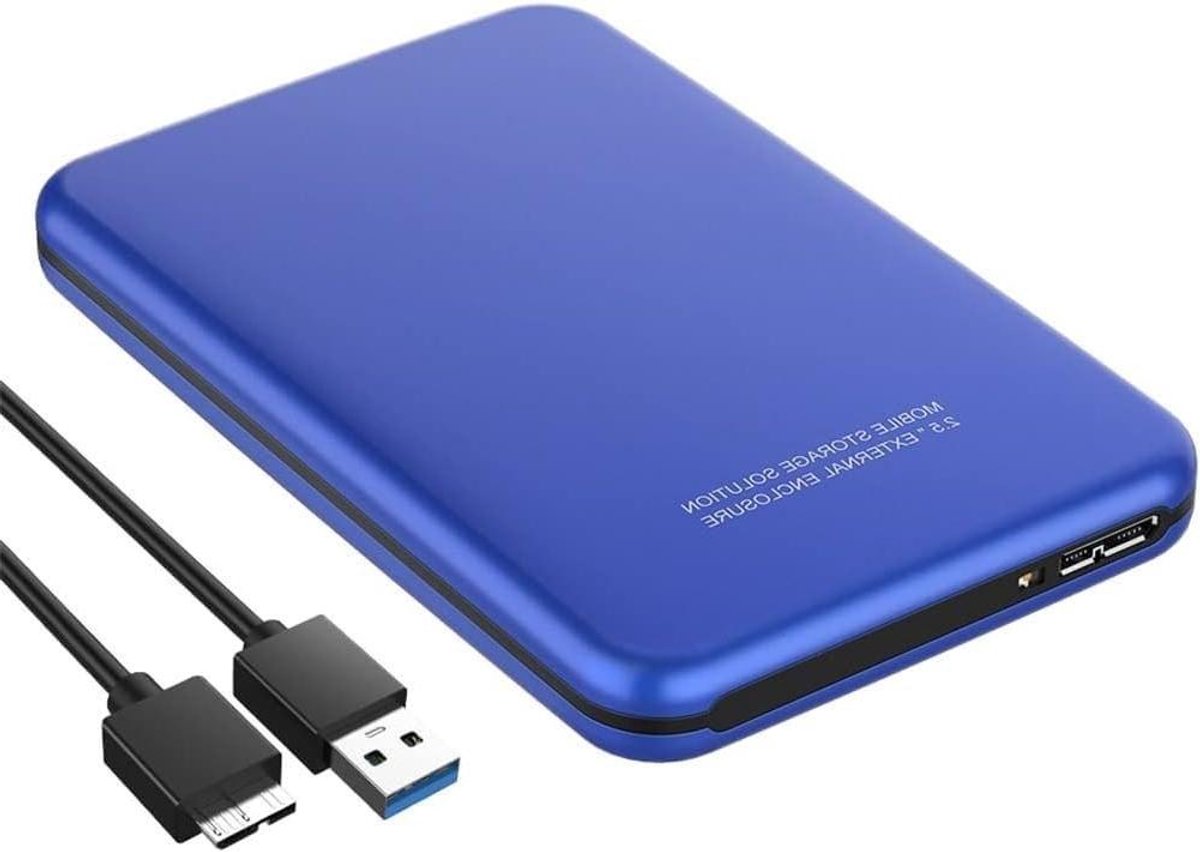
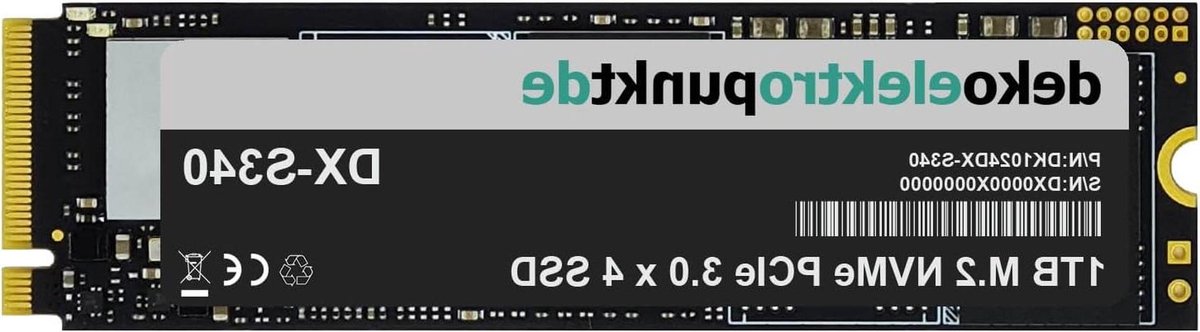
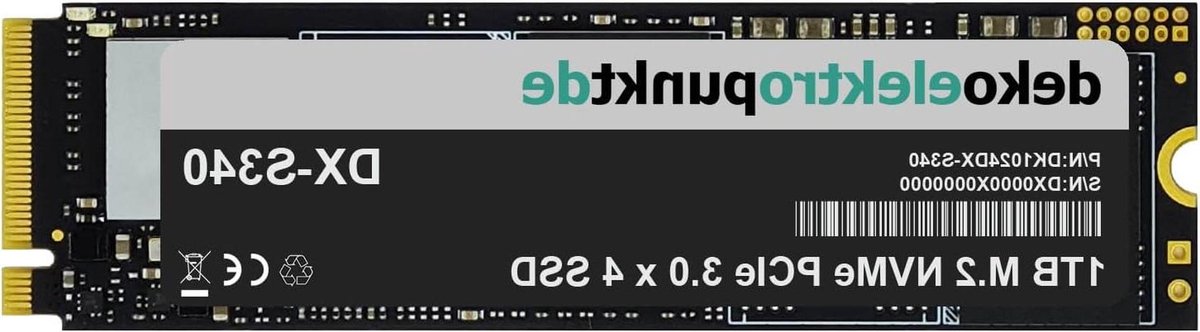
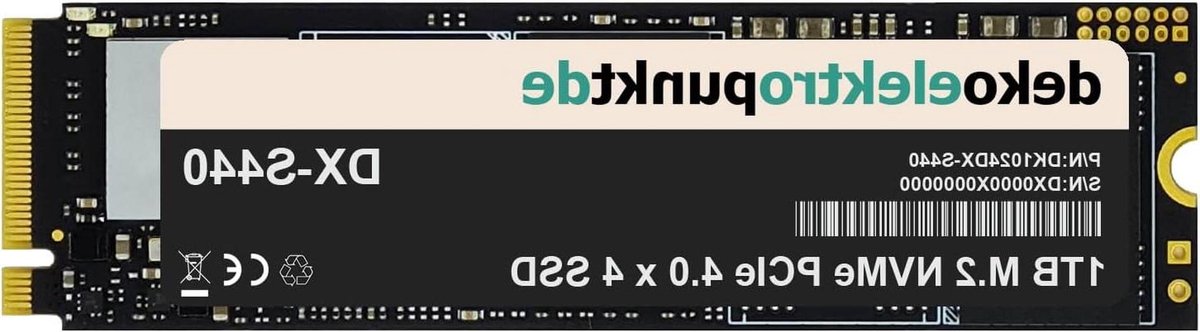
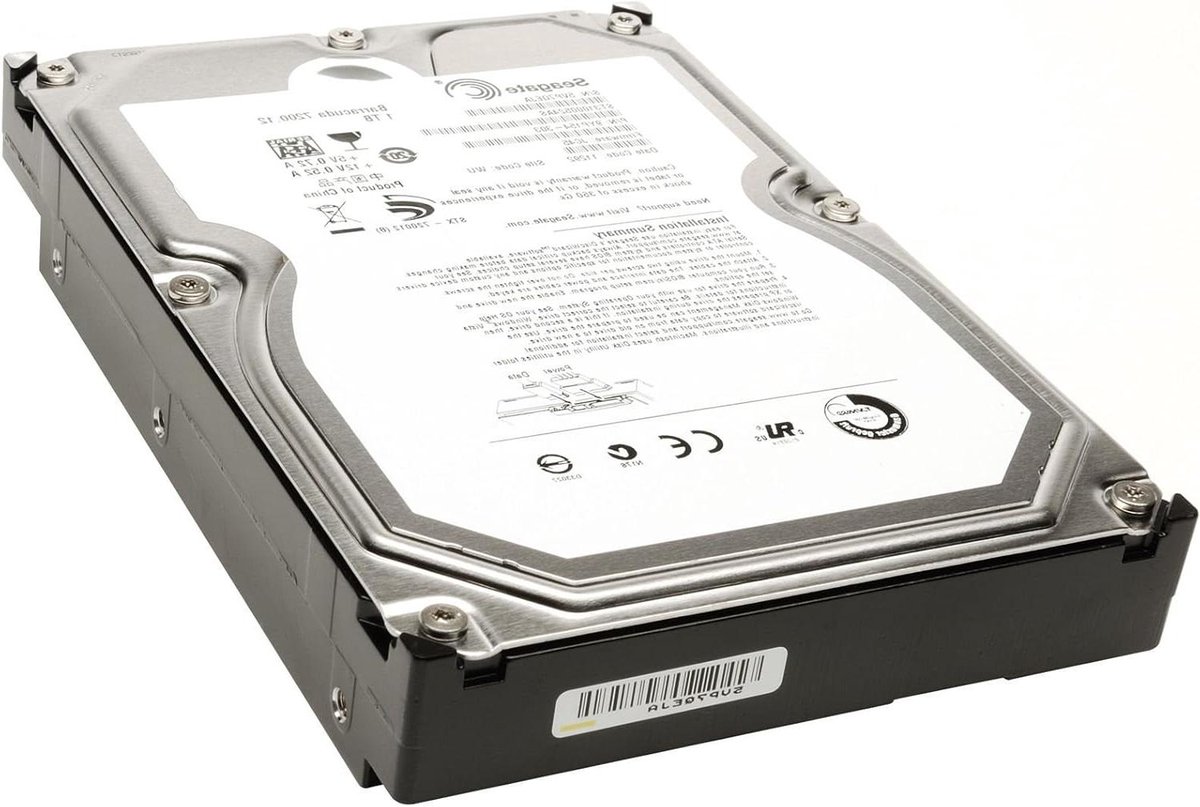
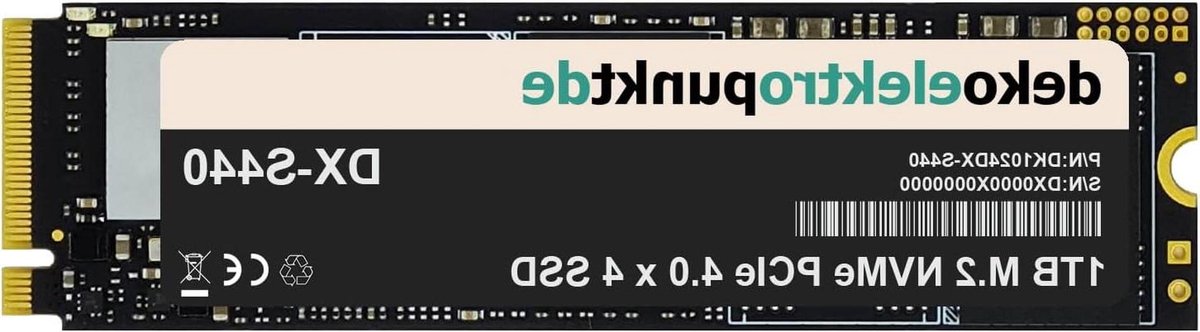
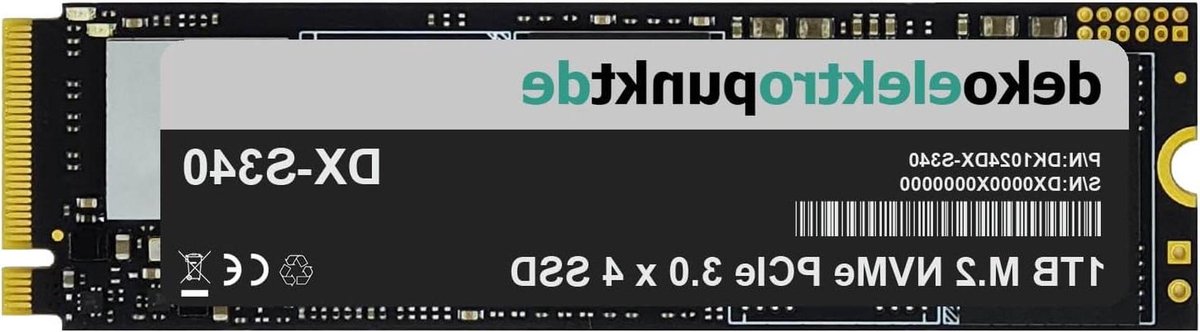
Storage devices — internal SSDs, external drives, NAS systems, and USB sticks — have quickly become cheaper and faster in recent years. An internal 1 TB NVMe SSD now costs around €70, while external 4 TB hard drives sit below €100. For most people, the right mix of speed (SSD for system), capacity (HDD for archive), and reliability (NAS for shared use) matters more than one top model.
The considerations differ per scenario. For a gaming PC or laptop, an NVMe SSD with 5,000+ MB/s read makes sense (e.g. PCIe Gen 4). For backup and archive, an HDD with SMR/CMR distinction matters — CMR is faster and more reliable. For families and small businesses wanting to centrally store photos, a NAS from Synology or QNAP is the modern standard, with RAID protection against disk failure.
Productvraag compares SSDs, hard drives, NAS systems, and memory cards from Samsung, Western Digital, Seagate, SanDisk, Crucial, Synology, and QNAP at Dutch retailers. Especially SSD prices fluctuate up to €30-50 per month — a comparison often saves more than an hour of going through price lists yourself.
Buying guide
Beste SSD 2026 — NVMe, SATA en Externe Schijven Koopgids
27935 products
International deals for opslag & geheugen
Offers via AliExpress — international shipping, often higher discounts.
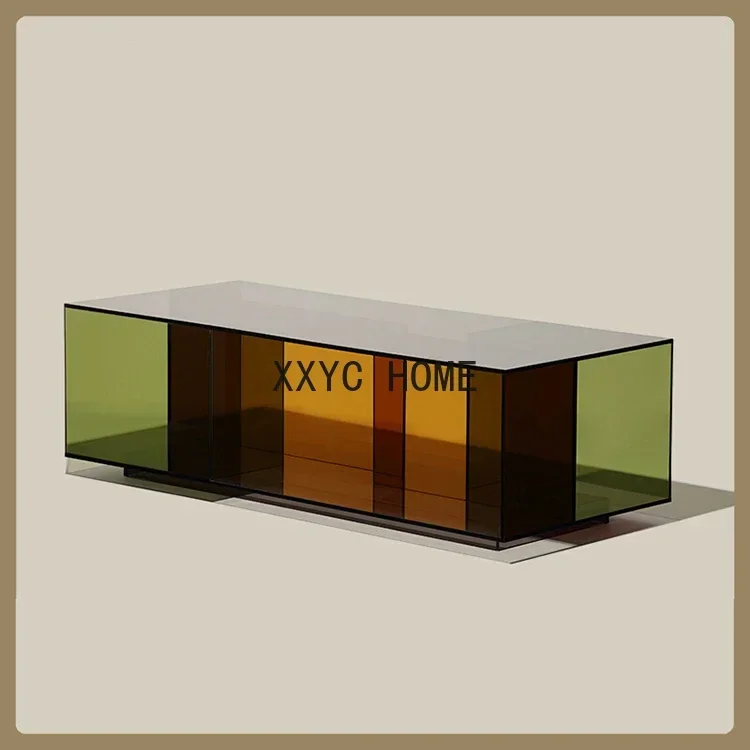
Nordic Woonkamer Acryl Theetafel Ontwerper Nieuwe rechthoekige bijzettafel met opbergruimte
View on AliExpress →
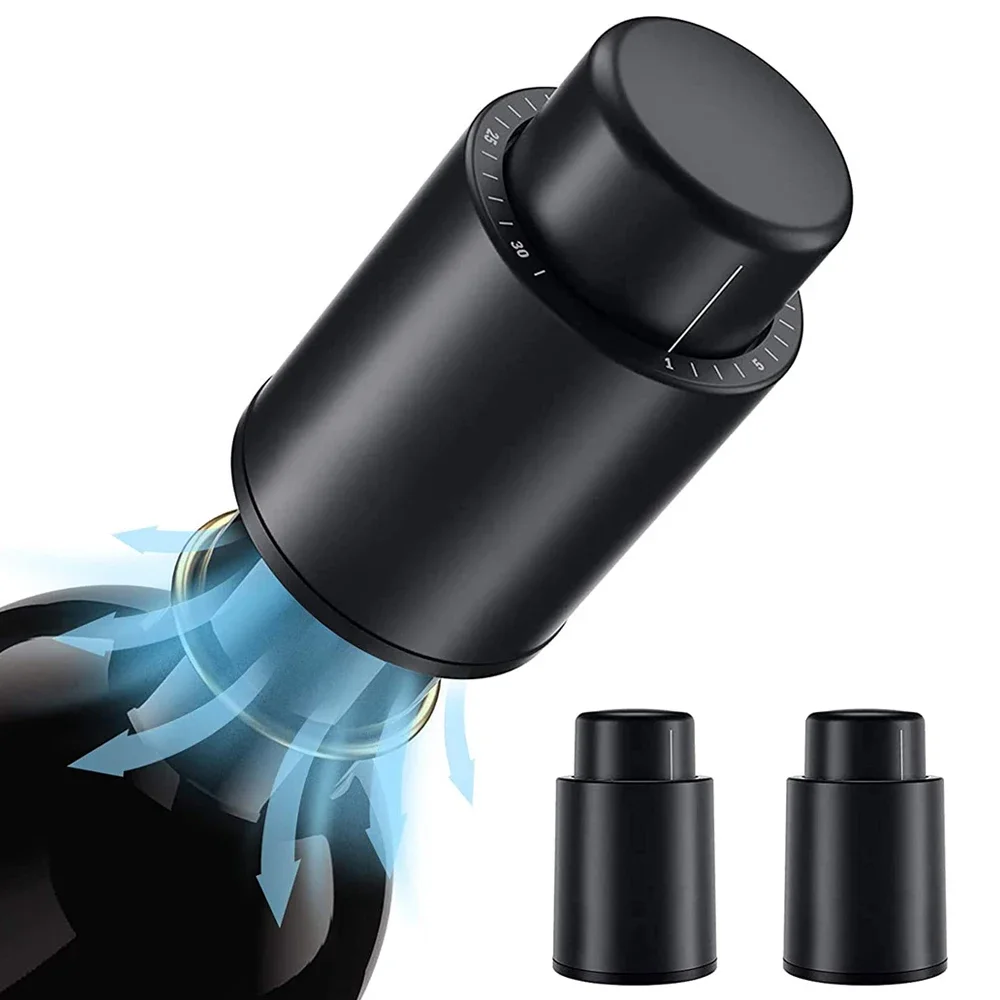
Vacuüm wijnflesdop stop verzegelde opslag vacuüm geheugen wijnstopper push-stijl bar gereedschap barartikelen wijnkurk zwart
View on AliExpress →

kgx 30*25 cm 25*20 cm Magnetische Pad Opslag Werken Geheugen Mat Schroef Sorteren Adsorptie Keeper telefoon Laptop Reparatie Tools Markeerstift
View on AliExpress →

CPU thermische Gel Opslag Strip Gemodificeerde Video Geheugen Warmteafvoer Niet-uithardende Koelpasta Grafische GPU Koeling Voor DJI Drone
View on AliExpress →
Got a question? Just ask.
We'll email you back within 24 hours about the Opslag & Geheugen. No sales pitch.
Frequently asked questions about Opslag & Geheugen
SSD or HDD for my computer?
SSD for the system and programs — the difference is night and day (10-30× faster). HDD remains logical for bulk storage of videos, photo archive, and backups (€/TB is 4-5× cheaper). Most modern builds have a 1-2 TB NVMe SSD plus a 4-8 TB HDD for archive.
What's the difference between SATA SSD and NVMe SSD?
SATA SSD: ~550 MB/s, uses 2.5-inch housing or M.2 form factor with SATA protocol. NVMe SSD: 3,000-12,000 MB/s, M.2 slot with PCIe. For system disk, NVMe is clearly noticeable with large files and gaming. For general use, the difference between SSD types is small in daily work.
Do I need a NAS?
Not strictly, but for families wanting to share photos and videos centrally, or freelancers wanting to back up documents at home, a NAS is excellent. Synology DS224+ or DS424+ with 2-4 disks of 4-8 TB each gives you 8-30 TB of secure storage for €700-1,500. Plus media streaming via Plex and remote access.
How long do SSDs and HDDs last?
Modern SSDs typically reach 5-10 years with average use thanks to TBW rating (terabytes written). Good SSDs like Samsung 980 Pro and WD Black have 600-1,200 TBW. HDDs also last 5-10 years but have mechanical wear — backup is essential. For archive, HDD is logical; for daily use, SSD.
What's a reasonable price for 1 TB of storage?
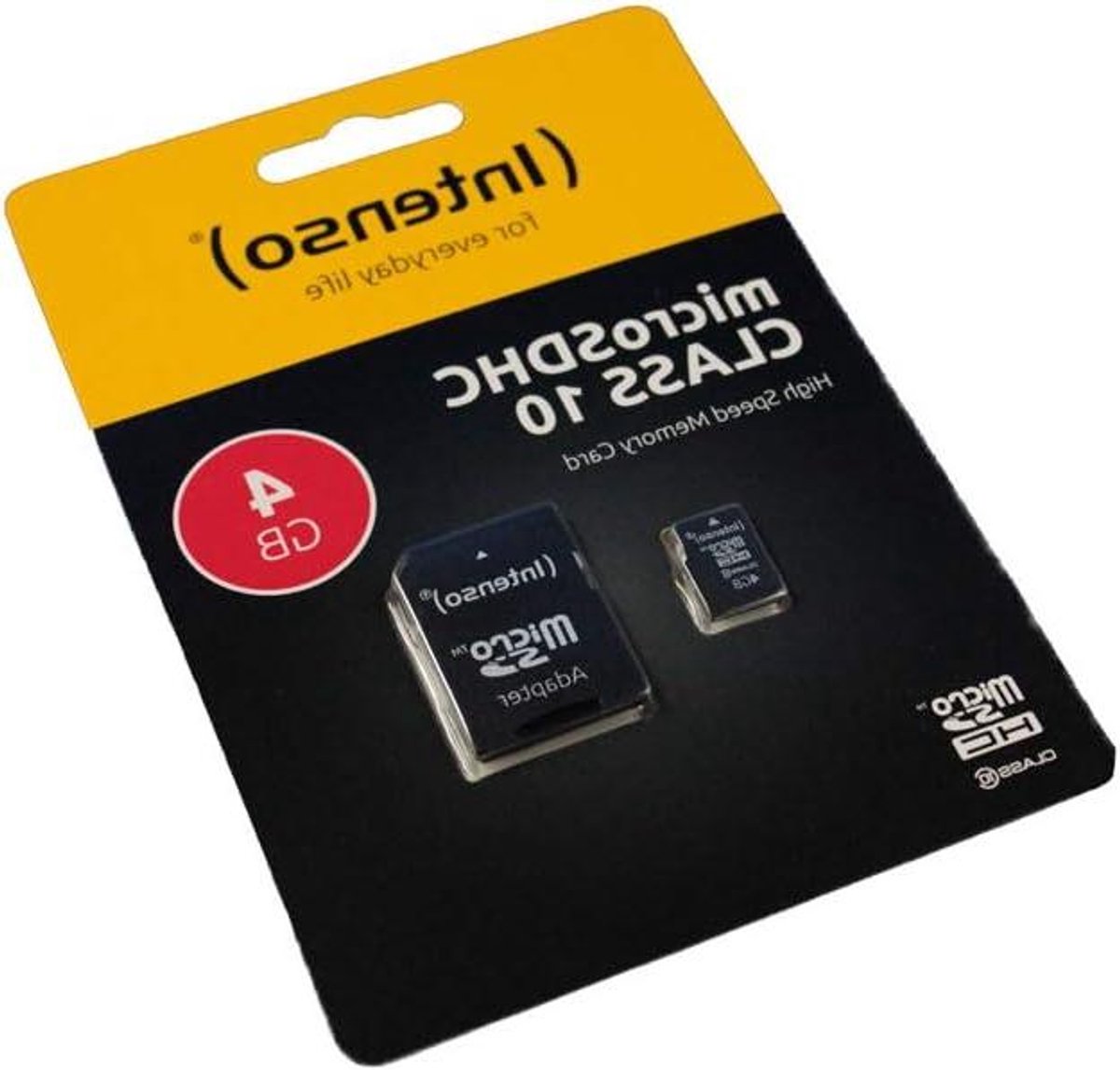
External USB HDD: €50-70. External SSD (USB 3.2): €70-130. Internal SATA SSD: €60-90. Internal NVMe SSD: €70-110 (Gen 4) or €110-160 (Gen 5). MicroSD for camera/Switch: €60-90 for 1 TB. NAS-grade HDD (WD Red, Seagate IronWolf): €70-100 per TB.