Best SSD 2026 - NVMe, SATA and External Drives Buying Guide
NVMe Gen 4 or Gen 5, SATA or external? Compare read/write speed, TBW rating and price per GB to choose the right storage.
Top producten vergelijken


NVMe Gen 4 or Gen 5, SATA or external? Compare read/write speed, TBW rating and price per GB to choose the right storage.
Best SSD 2026: quick picks
Short on time? These are our standout SSDs for 2026:
- Best overall: Samsung 980 Pro 1 TB — fast, reliable Gen 4 NVMe with high TBW, ideal as a system drive.
- Best value: WD Black SN850X — top Gen 4 performance for slightly less, great all-rounder.
- Best for video editing: Crucial T700 — blistering Gen 5 speeds for heavy file transfers and large work files.
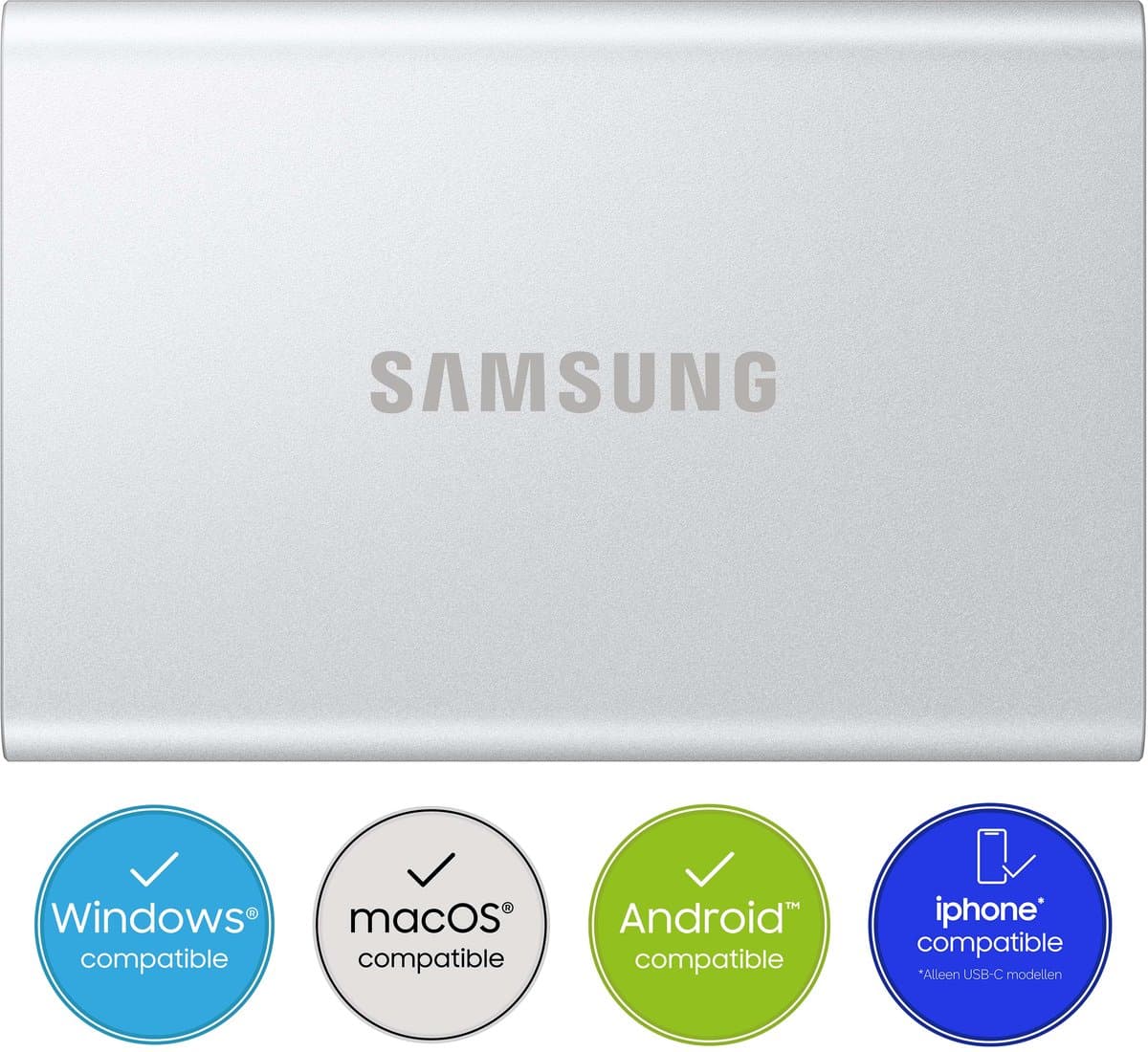
- Best external: Samsung T9 — USB-C portable SSD around 2 GB/s for mobile workflows.
- Best budget archive: Seagate Expansion HDD — unbeatable price per terabyte for backups and bulk storage.
Last updated: May 2026. Listed prices are indicative — check the live lowest price on each product page.
Choosing the best SSD in 2026
Storage in 2026 is faster and cheaper than ever. A 1 TB NVMe SSD costs around 70 euros, and external 4 TB drives sit under 100 euros. The choice is no longer about whether you want an SSD — for your system and programs an SSD is a given — but which one and how much.
For most people, the right mix of speed (NVMe for the system) and capacity (HDD for archiving) matters more than buying a single top model. A gaming PC typically has a 1-2 TB NVMe SSD plus a 4-8 TB HDD; a laptop gets by with just a 1 TB NVMe SSD. See the full range of storage and memory on Productvraag for live price comparison at Dutch web shops.
Which storage suits you?
The right choice depends on how you use it:
For a laptop or everyday PC: an internal 1 TB NVMe SSD is enough. 70-110 euros for a Gen 4 model from the Samsung 980 Pro, WD Black SN850X, Crucial T700 or Kingston KC3000.
For a gaming PC with a large game library: 1-2 TB NVMe for the system and favourite games, plus a 4-8 TB SATA SSD or HDD for archiving. Modern games eat up 100-200 GB each.
For video or photo editing: a 2 TB NVMe Gen 4/5 as a working-files disk, plus a large HDD or NAS for archiving. External NVMe SSDs like the Samsung T9 or WD My Passport SSD give 1-2 GB/s speeds for mobile workflows.
For backup and archiving: external HDDs remain unbeatable on price per terabyte. A 4 TB Seagate Expansion or WD My Book costs 80-110 euros. For NAS-grade: WD Red Plus or Seagate IronWolf for 5+ years of continuous running.
What to know before you buy
Five factors decide whether an SSD suits you. Form factor and interface: NVMe M.2 is the standard for modern laptops and desktops. SATA 2.5" is for older systems or SATA 3 ports on the motherboard. External SSDs use USB-C with USB 3.2 Gen 2 (10 Gbps) or Thunderbolt 4 (40 Gbps).
Speed in MB/s: SATA SSDs reach up to 550 MB/s read. NVMe Gen 3 does 3000-3500 MB/s. NVMe Gen 4 does 4000-7000 MB/s. NVMe Gen 5 does 10000-14000 MB/s. For most users Gen 4 is the sweet spot — Gen 5 is only noticeable with large file transfers and costs 30-50% more.
TBW rating (terabytes written) indicates lifespan. A Samsung 980 Pro 1 TB has 600 TBW — that is writing its full contents 600 times over, or roughly 5-10 years of intensive use. Premium SSDs have higher TBW than budget models.
DRAM cache: an SSD with DRAM cache (Samsung 980 Pro, WD Black SN850X) is faster with random workloads and large files. DRAMless SSDs (Crucial P3, WD Blue SN570) are cheaper but slower under heavy multitasking.
Warranty and MTBF: premium SSDs have a 5-year warranty and 1.5-2 million hours MTBF. Budget SSDs often have 3 years and 1 million hours — fine for archiving, less reassuring for a system disk.
Top choices per segment
Best NVMe Gen 4 for the system: the Samsung 980 Pro 1 TB (90-110 euros) or WD Black SN850X (80-100 euros). Best NVMe Gen 5: the Crucial T700 (120-160 euros for 1 TB) or Samsung 9100 Pro. For a SATA SSD: the Samsung 870 EVO or Crucial MX500 (60-90 euros for 1 TB).
For an external SSD: the Samsung T9 (USB-C, 2 GB/s read) or SanDisk Extreme Pro V2. For a budget external HDD: the Seagate Expansion or WD My Passport (60-100 euros for 2-4 TB). For NAS: the Synology DS224+ or DS424+ with WD Red Plus or Seagate IronWolf drives.
Frequently asked questions
SSD or HDD for my computer?
An SSD for the system and programs — the difference is night and day (10-30x faster). An HDD remains the logical choice for bulk storage of videos, photo archives and backups (price per terabyte is 4-5x cheaper). Most modern builds have a 1-2 TB NVMe SSD plus a 4-8 TB HDD.
What is the difference between a SATA SSD and an NVMe SSD?
SATA SSD: ~550 MB/s, uses a 2.5 inch or M.2 form factor with the SATA protocol. NVMe SSD: 3000-12000 MB/s, M.2 slot with PCIe. For a system disk, NVMe is clearly noticeable with large files and gaming. For general use the difference in daily work is small.
Do I need a NAS?
Not strictly, but for families who want to share photos and videos centrally, or freelancers who want to back up documents at home, a NAS is excellent. A Synology DS224+ with 2-4 drives gives 8-30 TB of safe storage for 700-1500 euros. Plus media streaming via Plex and remote access.
How long do SSDs and HDDs last?
Modern SSDs typically reach 5-10 years with average use. Good SSDs like the Samsung 980 Pro and WD Black have 600-1200 TBW. HDDs also last 5-10 years but suffer mechanical wear — backups are essential.
What is a reasonable price for 1 TB of storage?
External USB HDD: 50-70 euros. External SSD (USB 3.2): 70-130 euros. Internal SATA SSD: 60-90 euros. Internal NVMe SSD: 70-110 euros (Gen 4) or 110-160 euros (Gen 5). MicroSD for camera/Switch: 60-90 euros for 1 TB. NAS-grade HDD: 70-100 euros per TB.
Meer producten vergelijken


Got a question? Just ask.
We'll email you back within 24 hours. No sales pitch.