Smart home beginner's guide: where to start?
Want to make your home smarter but don't know where to begin? This beginner's guide helps you get started with smart speakers, lighting, vacuum cleaners and more.
Smart home beginner's guide: where to start?
A smart home sounds futuristic, but today it is within everyone's reach. Whether you want to control your lighting with your voice, vacuum automatically or monitor your energy use — the possibilities are endless. But it is exactly that abundance of options that makes it hard to get started. The fastest way in: choose one ecosystem (Google Home, Amazon Alexa or Apple HomeKit), buy an affordable smart speaker (30-60 euros) and add smart lighting. Thanks to the Matter standard (since 2023), products from different brands now work together on the same platform. You don't need to buy everything at once — you can start for less than 100 euros with a speaker and lighting, then expand step by step.
In this beginner's guide we take you through it step by step. You'll learn which categories of smart home products exist, where best to begin and which pitfalls to avoid.
What is a smart home?
A smart home is a house where devices are connected to each other and to the internet. This allows you to control them remotely, automate them and make them work together. Think of:
- Lights that turn on automatically at sunset
- A robot vacuum that cleans the house every day at 10:00
- A thermostat that learns when you're home
- A doorbell that sends a notification to your phone
The great thing is: you don't have to buy everything at once. Start small and expand step by step.
Step 1: Choose your platform
Before you start buying products, it's wise to choose an ecosystem. The three major platforms are:
Google Home
Works with Google Nest speakers and displays. Strong in voice recognition and integration with Google services. Supports a wide range of smart home devices.
Amazon Alexa
Popular with Echo speakers. Has the largest number of compatible devices (skills). Strong in entertainment and shopping integrations.
Apple HomeKit
The best choice if you already use Apple products. Smaller product range, but excellent privacy protection and a sleek interface via the Home app.
Matter: the universal standard
Since 2023, Matter is the new standard that connects all platforms. Products with Matter support work with Google, Alexa and Apple. Preferably choose products that support Matter — that way you're flexible for the future.
| Platform | Strengths | Drawbacks |
|---|---|---|
| Google Home | Voice recognition, wide range | Privacy concerns |
| Amazon Alexa | Largest app selection | Less popular in NL |
| Apple HomeKit | Privacy, Apple integration | Smaller product range |
| Matter | Universal, future-proof | Not all products yet |
Step 2: Start with a smart speaker
A smart speaker is the ideal starting point for your smart home. It acts as the brain of your system: you control other devices with your voice and get useful information on demand.
What can you do with a smart speaker?
- Play and stream music
- Set timers and reminders
- Ask for weather and news
- Control other smart home devices
- Intercom between rooms (with multiple speakers)
Check out our speakers category for an overview of the best smart speakers.
Our tip
Start with an affordable speaker such as the Google Nest Mini or Amazon Echo Dot. These cost between 30 and 60 euros and give you a good idea of what a smart home can do.
Step 3: Smart lighting
After a smart speaker, smart lighting is the most logical next step. It's relatively affordable, easy to install and the effect is immediately noticeable.
Popular options
- Philips Hue: The best-known brand. Extensive range, reliable, but on the pricier side. Requires a Hue Bridge.
- IKEA DIRIGERA: Affordable entry system. Less extensive, but fine for the basics.
- WiZ: Works without a bridge via wi-fi (see also best router & wi-fi 2026). Well priced and compatible with all major platforms.
What can you do?
- Turn lights on and off with your voice or phone
- Adjust colours and brightness to match your mood
- Set automatic schedules (e.g. dim lights at 22:00)
- Holiday mode: simulate presence when you're away
Tip: Start with the living room or bedroom. Two to three smart bulbs are enough to feel the difference.
Step 4: Robot vacuum
A robot vacuum is one of the most practical smart home devices. Once set up, you barely need to think about it — it does its job while you do something else.
What to look for when buying?
- Navigation: Models with LiDAR (laser) navigation work more efficiently than random-navigation models.
- Suction power: Measured in Pascal (Pa). For households with pets, at least 3000 Pa is recommended.
- Mopping function: Many modern robot vacuums can also mop. Handy for hard floors.
- Self-emptying bin: Top models empty themselves into a base station, so you don't have to do anything for weeks.
Check our vacuum category and compare prices.
What budget do you need?
| Type | Price range | Suitable for |
|---|---|---|
| Basic (random navigation) | 150–250 euros | Small apartments |
| Mid-range (LiDAR) | 300–500 euros | Average household |
| Premium (LiDAR + mop + self-empty) | 500–900 euros | Large home, pets |
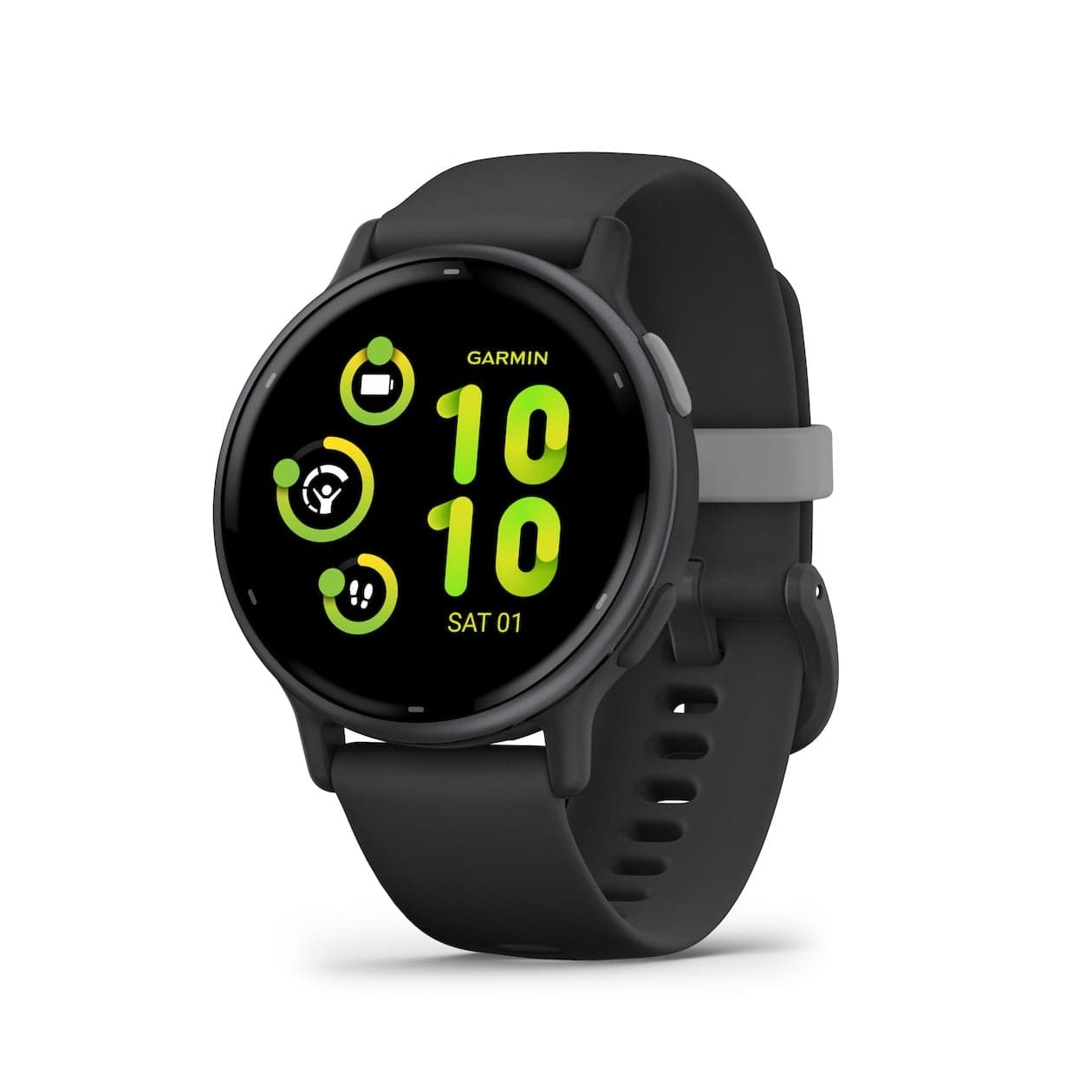
Step 5: Smartwatch as an extension
A smartwatch is not just a fitness tracker — it's also a handy extension of your smart home. With a smartwatch you can:
- Receive notifications from your smart doorbell
- Control lighting from your wrist
- Start your robot vacuum
- Control music on your smart speaker
Popular options are the Apple Watch (for iPhone users), Samsung Galaxy Watch (for Android) and Garmin (for sports enthusiasts).
Common beginner mistakes
- Buying too much at once: Start small. A speaker and a few smart bulbs are enough to start.
- Mixing platforms without Matter: Combining products from different ecosystems without Matter support leads to compatibility issues.
- Underestimating wi-fi: Smart home devices load your wi-fi network. With more than ten devices, a mesh wi-fi system is recommended.
- Forgetting security: Change default passwords, keep firmware updated and use two-factor authentication where possible.
Starter budget: what do you need?
| Product | Estimated cost |
|---|---|
| Smart speaker | 30–60 euros |
| 3x smart bulb | 40–90 euros |
| Robot vacuum (mid-range) | 300–500 euros |
| Smartwatch (optional) | 150–400 euros |
| Total (basic) | 370–650 euros |
You can start for less than 100 euros with a speaker and lighting. Add the robot vacuum and smartwatch later when your budget allows.
Summary
Starting a smart home doesn't have to be complicated or expensive. Choose a platform, start with a smart speaker and smart lighting, and build from there step by step. Always compare prices on Productvraag to find the best deals.
Browse our categories for more inspiration:
Frequently asked questions
Do I need fast internet for a smart home?
A standard internet connection of 50 Mbps is sufficient for most smart home devices. More important than speed is a stable wi-fi signal in every room. Consider a mesh wi-fi system if your signal is weak in some areas.
Can I combine smart home products from different brands?
Yes, as long as they support the same platform (Google Home, Alexa or Apple HomeKit) or use the Matter standard. Always check compatibility before buying. Products with Matter support work with all major platforms.
Is a smart home secure?
As long as you take basic security measures, a smart home is just as secure as a traditional home. Use strong passwords, keep firmware updated, enable two-factor authentication and only buy products from reputable brands that release regular updates.
Got a question? Just ask.
We'll email you back within 24 hours.