Best Tablet for Drawing 2026: Top 6 Compared
Top 6 drawing tablets 2026: iPad Pro M4, Galaxy Tab S10 Ultra, Wacom MovinkPad. EU prices, pen pressure levels and app support compared.
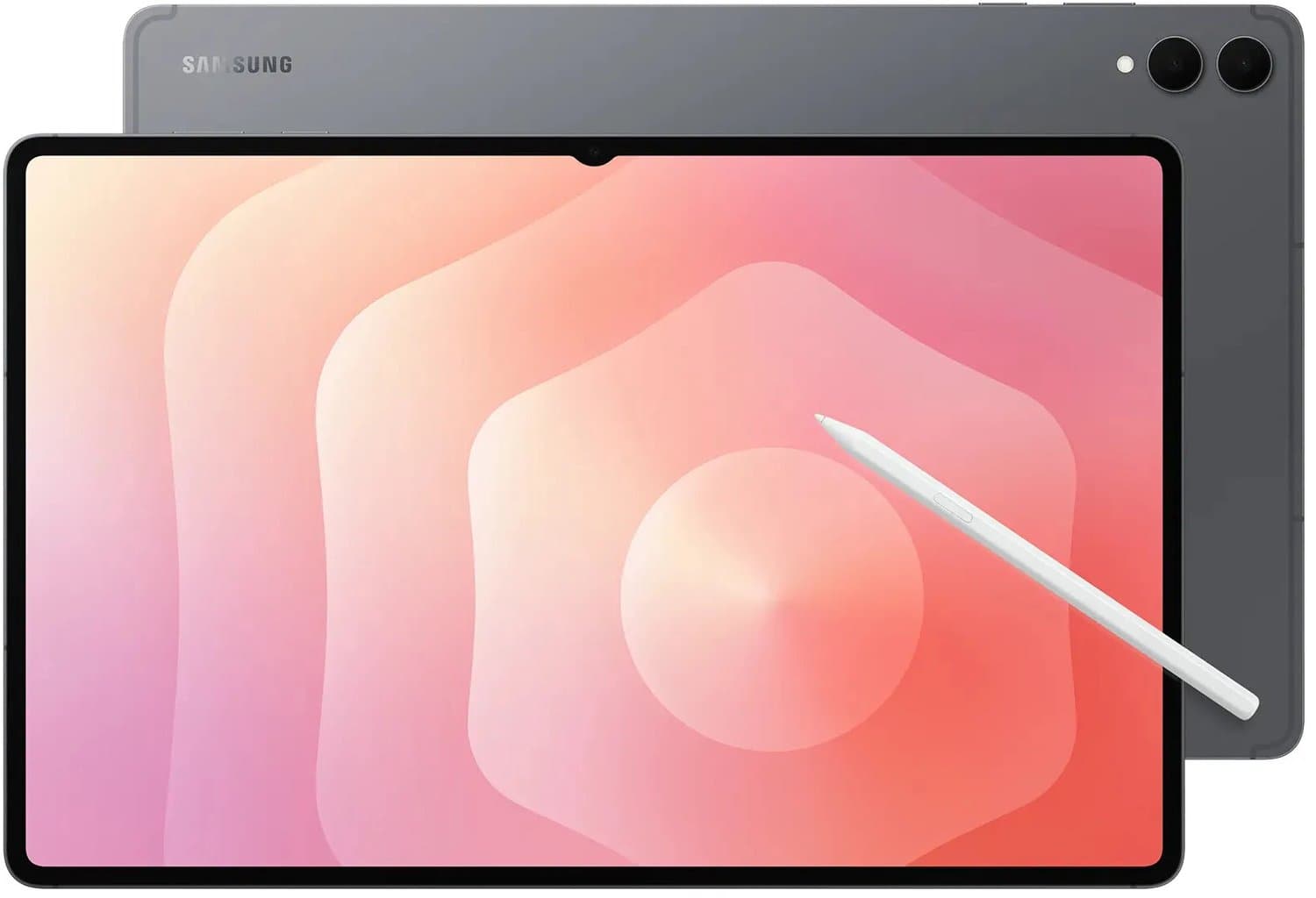
Our top pick
Wacom MovinkPad 11
Best pure pen display
From
€ 470,00
at Coolblue
Top producten vergelijken


Top 6 drawing tablets 2026: iPad Pro M4, Galaxy Tab S10 Ultra, Wacom MovinkPad. EU prices, pen pressure levels and app support compared.
Quick picks
Looking for the best tablet for drawing 2026? Our top 3 after testing latency, pressure levels and software compatibility, verified against rtings tablets, GSMArena and notebookcheck:
- Best overall for drawing: Apple iPad Pro 13" M4 (2024) — from €1,379
- Best Android alternative: Samsung Galaxy Tab S10 Ultra — from €1,249
- Best pro illustration: Wacom MovinkPad 11 — from €749 (pure pen display)
How we compare drawing tablets
Per tablet: pen latency (ms stroke-to-display), pressure levels, tilt/azimuth support, screen texture (paper feel via Paperlike or native), app support (Procreate, Clip Studio Paint, Adobe Fresco, Krita, Concepts), colour accuracy (sRGB/DCI-P3 coverage) and battery life during a 4-hour drawing session. Tier-1 references: rtings tablet reviews, GSMArena specs, notebookcheck displays.
Apple iPad Pro 13" M4 (2024) — Best drawing tablet (€1,379-€1,799)
TL;DR: Tandem OLED display (true HDR1000), M4 chip, ProMotion 120Hz, Apple Pencil Pro (squeeze + barrel-roll). Nothing comes closer to paper in 2026.
Who it's for: professional illustrator, concept artist, comic artist, design student.
Strengths: Procreate is iPad-exclusive — best app for digital painting; Apple Pencil Pro 240Hz scan rate = imperceptible latency; OLED reduces colour shift at angles.
Weaknesses: price — Pencil Pro is another €149; no paper texture out of the box (Paperlike film recommended, €40).
EU prices (2026-06-01): Apple.nl €1,379 (256GB) · Bol €1,399 · Coolblue €1,399 · Mediamarkt €1,429.
Samsung Galaxy Tab S10 Ultra — Best Android for drawing (€1,249-€1,499)
TL;DR: 14.6" AMOLED screen, S Pen in the box (no €150 extra like Apple), Snapdragon 8 Gen 3, native Clip Studio Paint support.
Who it's for: Android-loyal illustrator, manga/comic artist using Clip Studio, student in the Samsung ecosystem.
Strengths: S Pen included; large 14.6" canvas; Samsung DeX desktop mode for editing; 12GB RAM standard.
Weaknesses: no Procreate (Sketchbook + Clip Studio as alternatives); Android tablet apps less polished than iPadOS.
EU prices: Bol €1,249 · Coolblue €1,279 · Samsung.com €1,299 with trade-in.
Wacom MovinkPad 11 — Best pure pen display (€749-€849)
TL;DR: Wacom's first truly portable pen display with built-in OLED and EMR (no battery in the pen). Plug into your laptop — not stand-alone.
Voor who: illustrator wanting Wacom EMR feel without a big desk Cintiq; travelling pro.
Strengths: EMR pen has no battery; Wacom pressure (8192 levels) is industry standard; OLED display with 100% DCI-P3.
Weaknesses: requires laptop/Mac connection (no Android/iOS); not stand-alone — loose pen display.
EU prices: Bol €749 · Coolblue €779 · Wacom.com €749.
Compare prices — Wacom MovinkPad 11
More from Wacom · Prices verified: 1 days ago · 1 shop

Apple iPad Air 13" M3 — Best value for drawing (€899-€1,099)
TL;DR: M3 chip, 13" Liquid Retina (no OLED), Apple Pencil Pro supported. For hobbyist/student not wanting to spend €1,400 on Pro.
Who it's for: graphic-design student, hobbyist, Procreate beginner.
Strengths: full Procreate support; lighter than Pro (617g vs 682g); Pencil Pro compatible.
Weaknesses: no ProMotion 120Hz; no Tandem OLED; peak brightness below Pro.
EU prices: Apple.nl €899 (256GB) · Bol €919 · Coolblue €929.
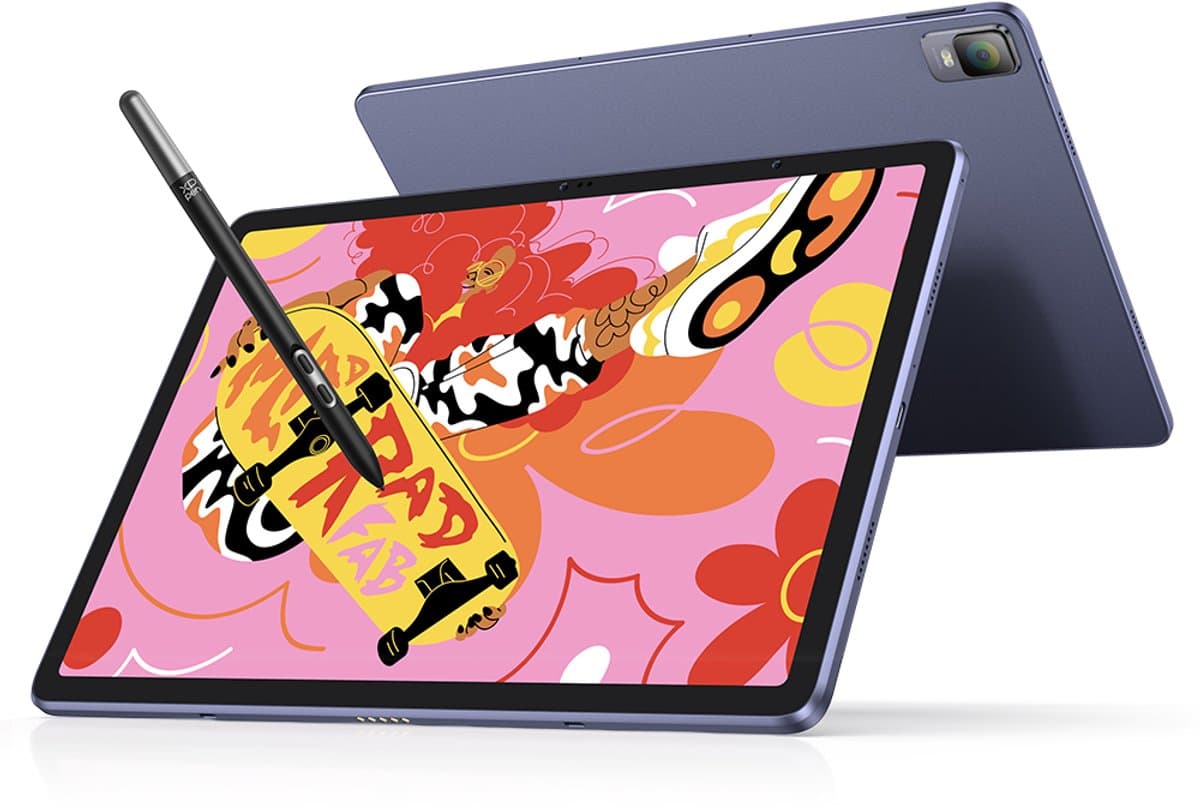
XPPen Magic Drawing Pad — Best budget Android (€499-€599)
TL;DR: Stand-alone Android tablet built for drawing, X3 Pro pen (16K pressure levels!), 12" 2K display.
Who it's for: budget illustrator, beginner wanting Wacom feel without €700, child starting serious art.
Strengths: under €600 with pen included; 16K pressure levels unique; Android open to Krita and MediBang.
Weaknesses: Android tablet apps for pro work limited; build quality below Apple/Samsung; no Procreate.
EU prices: Bol €499 · XPPen.com €499 · Amazon NL €549.
Compare prices — XPPen Magic Drawing Pad - Standalone Grafisch Tablet- 12,2-inch Scherm met 2K-Resolutie - Android 14 - 8 GB + 256 GB ROM -Tekentablet
More from XPPen · Prices verified: 22 h ago · 1 shop

Microsoft Surface Pro 11 — Best Windows hybrid (€1,099-€1,499)
TL;DR: Snapdragon X Elite or Intel Core Ultra, Slim Pen 2, runs full Windows including desktop Photoshop/Illustrator.
Who it's for: designer wanting full Adobe Creative Cloud desktop; one device replacing laptop + tablet.
Strengths: real Windows desktop apps; Slim Pen 2 with haptic feedback; Type Cover for typing; full Photoshop/Illustrator.
Weaknesses: Slim Pen 2 sold separately (€139); Snapdragon version has occasional Adobe bugs; weight (~895g + keyboard).
EU prices: Microsoft.com €1,099 · Bol €1,099 · Coolblue €1,149.
Comparison table drawing tablet 2026
| Model | Display | OS | Pen pressure levels | Pen included | Procreate | From |
|---|---|---|---|---|---|---|
| iPad Pro 13" M4 | 13" Tandem OLED | iPadOS | 4096 | No (€149) | Yes | €1,379 |
| Galaxy Tab S10 Ultra | 14.6" AMOLED | Android | 4096 | Yes | No | €1,249 |
| Wacom MovinkPad 11 | 11" OLED | tethered | 8192 | Yes | n/a (via laptop) | €749 |
| iPad Air 13" M3 | 13" Liquid Retina | iPadOS | 4096 | No (€149) | Yes | €899 |
| XPPen Magic Pad | 12" 2K | Android | 16384 | Yes | No | €499 |
| Surface Pro 11 | 13" PixelSense | Windows | 4096 | No (€139) | No (Win) | €1,099 |
Which tablet suits you?
- Pro illustrator in Procreate: iPad Pro 13" M4.
- Manga/Clip Studio fan on Android: Galaxy Tab S10 Ultra.
- Wacom fan who travels: Wacom MovinkPad 11.
- Student/hobbyist on iPad: iPad Air 13" M3.
- Budget under €600: XPPen Magic Drawing Pad.
- Adobe Creative Cloud desktop: Surface Pro 11.
Also read our best tablets 2026 hub, the tablets for kids 2026 and the best e-reader 2026. For heavy editing on laptop: best laptops 2026.
EU pricing and warranty
All picks at authorised NL stockists carry 2-year EU consumer warranty. Beware grey iPad Pro imports above €1,200 outside EU — Apple service is global but plug/manual may not be EU. AppleCare+ (€229/year for iPad Pro) covers accidental damage twice yearly. Coolblue Refurb sells iPad Pro M2/M3 from €699 as a budget alternative.
FAQ
Which is better for drawing: iPad Pro or Galaxy Tab S10 Ultra?
iPad Pro thanks to Procreate exclusivity and Apple Pencil Pro 240Hz scan rate. Galaxy Tab S10 Ultra wins on canvas size (14.6") and bundled S Pen. For pro illustrator: iPad Pro; for manga/Clip Studio: Galaxy Tab.
Do I need Apple Pencil Pro or is Pencil 2 enough?
Pencil Pro (€149) adds squeeze, barrel-roll and haptic feedback — handy for Procreate brush switching. Pencil 2 (€129) is fine for hobby/student. iPad Air M3 supports both.
How many pressure levels do I need?
4096 (iPad Pro, Galaxy Tab) is enough for 99% of work. 8192 (Wacom) only matters to pro illustrators. 16384 (XPPen) is marketing.
Which screen size for drawing?
11" for portability/sketching. 13" sweet spot for most illustrators. 14.6" (Galaxy Tab Ultra) huge canvas but heavier.
Do I need a Paperlike film on iPad?
Optional. Without it the screen is slick, feels different but works fine. With Paperlike (€40) you get paper texture but pen tips wear faster. Personal preference.
Can I produce client-grade work on a tablet?
Yes. Procreate and Clip Studio output print resolution. For logo/vector work use Adobe Illustrator (iPad or Surface) or Affinity Designer. Layered PSD export goes straight to desktop Photoshop.
Last updated: 2026-06-01. Productvraag earns affiliate commission on purchases via our links.
Meer producten vergelijken

Samsung Galaxy Tab S10 Lite 10,9 inch 256GB Wifi Zilver

Samsung Galaxy Tab S10 FE Plus 13,1 inch 128GB Wifi Zilver

Samsung Galaxy Tab S10 FE Plus 13,1 inch 256GB Wifi Zilver

Samsung Galaxy Tab S11 Ultra - WiFi - 256GB - Zilver
Samsung Galaxy Tab S10 FE Plus 13,1 inch 128GB Wifi + 5G Grijs
Got a question? Just ask.
We'll email you back within 24 hours. No sales pitch.